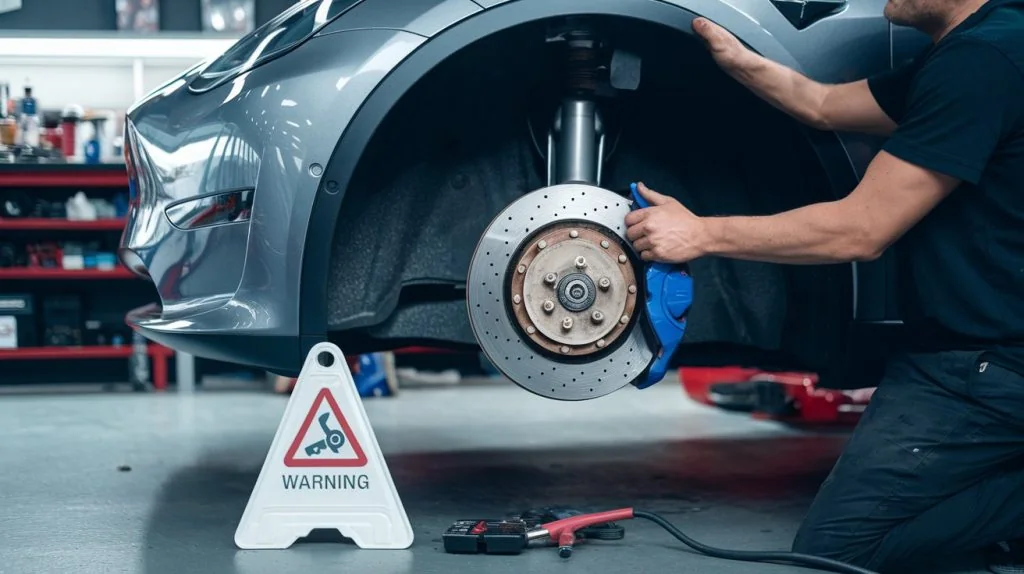
Tesla ownership · Regenerative braking
Why Your Tesla Regenerative Braking Feels Weaker
Less slowing after you lift off the accelerator can reflect battery conditions. Learn what to check, why vehicle settings differ and when a warning needs action.
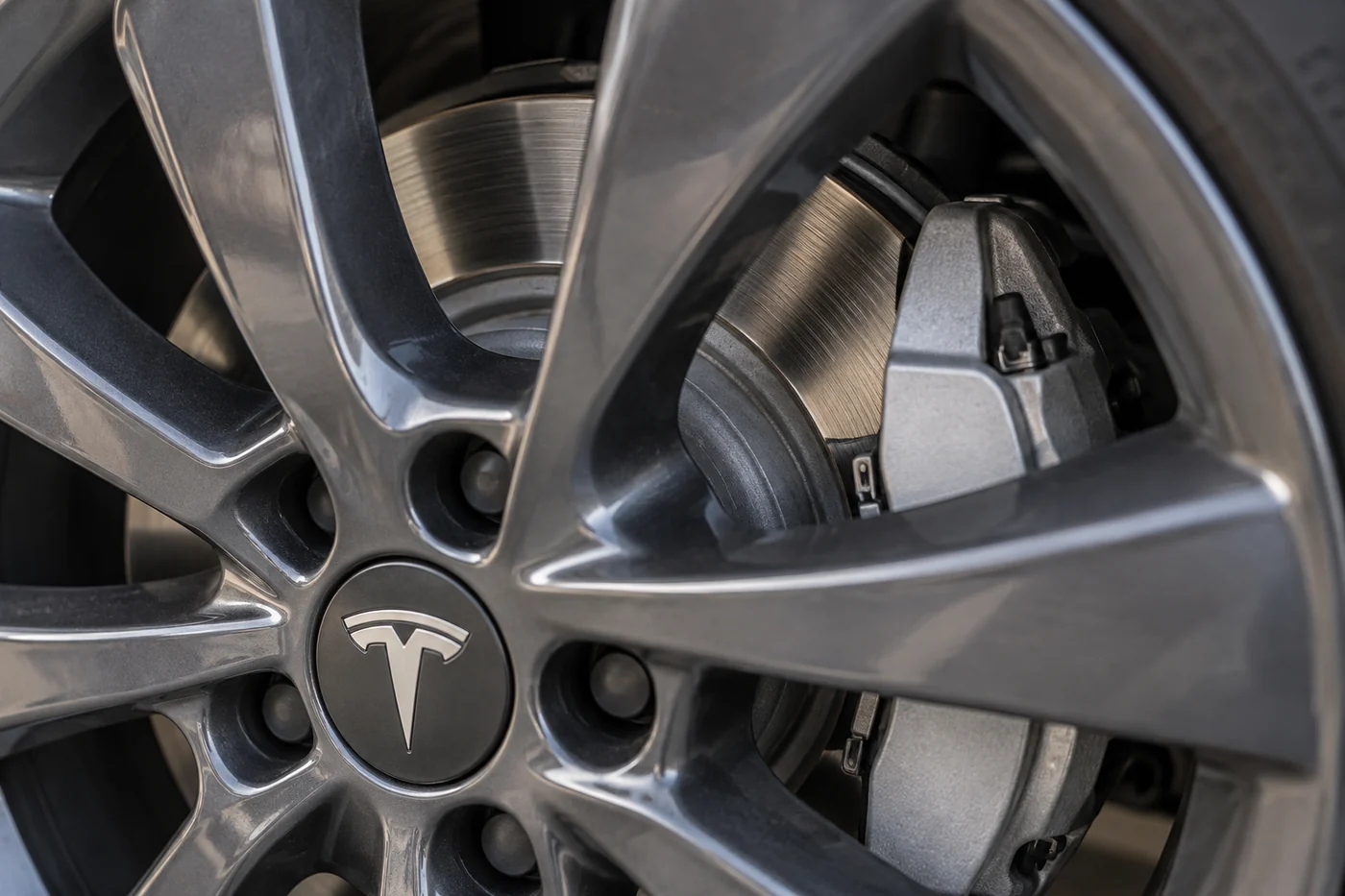
If your Tesla slows less when you lift off the accelerator, check whether the change is limited to regenerative braking or also affects the brake pedal. A battery that is cold or close to full can accept less recovered energy. A brake warning, unusual pedal response or difficulty stopping needs a different response.
You do not need to diagnose a sensor or buy parts to make that first distinction. Start with what the car actually reports, the battery percentage and the circumstances. This guide covers changed lift-off slowing. It does not replace the instructions for a brake fault or give permission to keep driving with uncertain braking.
Regen or a brake-pedal problem?
Think about the moment you noticed the change. Did the Tesla coast farther after you eased off the accelerator, while the brake pedal still brought it down to speed normally? Or did pressing the brake pedal produce an unfamiliar response? Those descriptions give a workshop very different starting points. A change in accelerator lift-off behaviour alone is not proof that the wheel brakes have failed.
However, normal-feeling pedal braking is not an all-clear for every warning. The message on the screen takes priority over your guess about the cause. If there is an alert, read its complete instruction after stopping safely. A photograph taken while parked is more useful than recalling that a yellow symbol appeared briefly.
A sudden change can be unsettling because you have learned to judge gaps using familiar lift-off slowing. Use the brake pedal earlier when needed and allow more room. Do not rely on the previous day’s deceleration to stop at today’s junction. Regen availability can change even though you have not selected a different driving setting.
How regenerative braking slows your Tesla
During regenerative braking, the drive motor resists the vehicle’s motion and sends recovered electrical energy towards the battery. That resistance contributes to slowing the car. It is a different process from squeezing brake pads against the discs at the wheels, although both processes can contribute to deceleration in a Tesla.
The important limit is that the battery must be able to accept the recovered energy. When acceptance is restricted, the car may provide less regenerative slowing. This explains why changing lift-off behaviour can be related to battery conditions rather than a worn brake pad. It does not identify the cause of every change or make the brake pedal unnecessary.
The power display can help you recognise energy recovery when it is safe to glance at it. Its layout and appearance depend on the vehicle. Use your own touchscreen manual to understand the display rather than comparing it with a screenshot from another model. Do not watch the graph instead of traffic, and do not treat a short green bar as a fault diagnosis.
Why charging can reduce regen
A change immediately after charging is a useful clue. With the battery close to full, there may be less room for energy recovered during slowing. Tesla identifies a fully charged battery as one condition that can limit regenerative braking. How much the car slows overall also depends on the vehicle’s braking behaviour and applicable settings.
For example, noticing weaker lift-off slowing when leaving a charger is different from experiencing an abnormal brake pedal halfway through an otherwise familiar journey. Record the charge percentage at the time, not just the percentage hours later. Also note whether the display reported a regen limitation or a different warning.
Do not adopt a universal 85 or 90 percent charging limit from an article about regen. Follow the charging recommendation shown for your particular vehicle and battery, and allow for your journey’s energy needs. This guide is not a reason to override the car’s recommended routine or to leave yourself short of charge.
You also do not need to drive around just to lower the percentage and prove a theory. If there are no brake faults and you continue ordinary safe driving, note whether lift-off behaviour changes as the conditions change. Improvement is useful context, but it does not cancel a warning that asks for service.
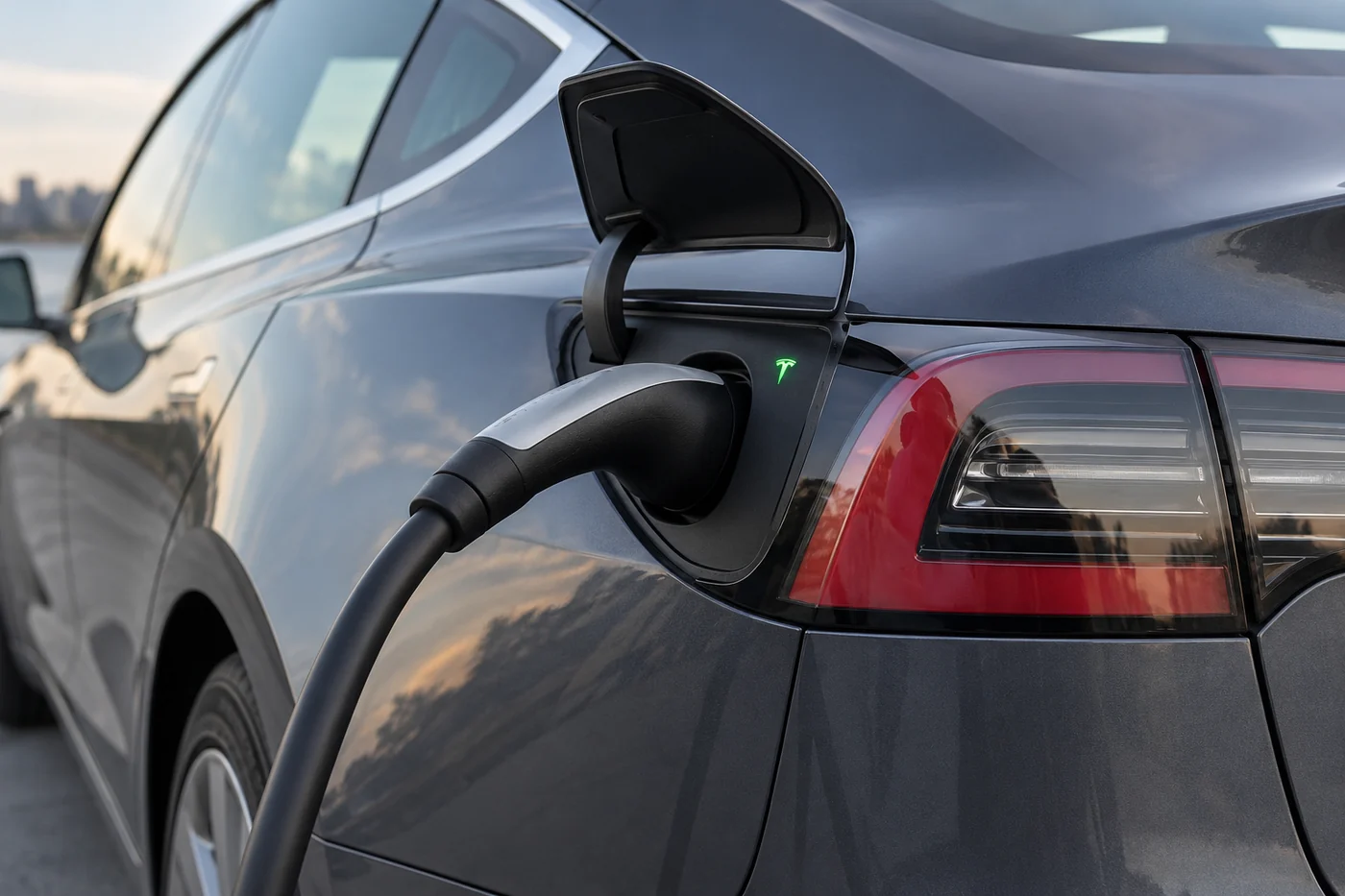
When a cold battery limits regen
Tesla also identifies a cold battery as a reason for restricted regeneration. A cool early start, travel in colder conditions or a vehicle that has been standing can provide useful context. The outside temperature alone does not tell you the battery’s temperature, and you cannot diagnose a battery condition by touching the bodywork.
Where your vehicle provides preconditioning or a departure schedule, follow its manual and app instructions. Treat those features as normal preparation for use, rather than a guaranteed cure for an alert. There is no need to invent a special driving routine, accelerate hard to warm the battery or test braking down a slope.
UAE heat does not justify labelling every regen change a thermal failure. Running the air conditioning, arriving after a motorway drive or parking outdoors is not enough evidence to diagnose a failed sensor or calibration problem. If the touchscreen reports a temperature limitation, keep the wording. If it does not, describe the conditions without assigning a cause.
A useful comparison is with the car’s ordinary behaviour in similar circumstances. Was it recently charged on both occasions? Was there an alert? Did you change a setting? Similar weather on two days does not mean the battery was in the same state. These details prevent a broad claim about Dubai heat from taking the place of an actual assessment.
Model, market and settings matter
Tesla manuals do not describe identical controls for every model, year and market. A video about a newer Model Y or a US-market Model 3 may show a menu that your UAE vehicle does not have. Start with the owner’s manual associated with your car, and check the software version when comparing instructions.
The current UAE Model Y manual describes automatic use of regular brakes to help maintain deceleration when regen is limited. It also describes Reduced and Standard deceleration modes. The current UAE Model 3 braking page does not present the same menu instructions. That difference is why this guide does not promise that every Tesla will compensate automatically.
The current US Model 3 manual describes an optional setting called Apply Brakes When Regenerative Braking is Limited. Its availability and operating limits matter. For an imported vehicle, use the documentation applicable to that vehicle rather than assuming a UAE article or a US tutorial covers it. If the option is absent, do not search for hidden controls or assume the car is faulty.
Check settings only while parked. If you recently changed a deceleration setting, note its current value before changing anything else. Repeatedly switching modes makes the original symptom harder to describe. You should still be ready to use the brake pedal, even where your vehicle offers assistance intended to make lift-off slowing more consistent.
After a software update, separate a visible change in available settings from a braking complaint. Record the version and what changed. Do not claim that installing an update at a cooler time recalibrates the brakes, and do not install or restart software as a roadside response to an urgent brake warning.
What the exact warning tells you
A message describing a temporary regen limitation is not interchangeable with a brake-system fault. Keep the full text and any code displayed. Small differences in wording can change the instruction, so a workshop needs more than “regen glitch” or “brake light.” Do not substitute a code found online for the one your car actually shows.
In the UAE Model 3 manual, a red brake indicator outside the brief startup check can indicate a brake-system fault or low brake fluid. Tesla directs the driver to contact it immediately. If this appears while driving, apply the brakes firmly as needed and stop safely. Do not categorise it as an expected consequence of a full battery.
The same manual says an amber BRAKE indicator can be associated with a brake-booster fault or unavailable regenerative braking. Colour alone therefore cannot tell you that the situation is harmless. Read the accompanying instruction and follow the guidance for your car. This guide does not provide an amber-light permission to continue.
If a warning appears, check what the brake alert means and record its exact wording before requesting help. “Less slowing after accelerator release at high charge” is useful context. “Brake pedal response changed and a brake warning appeared” deserves a safety-led response.
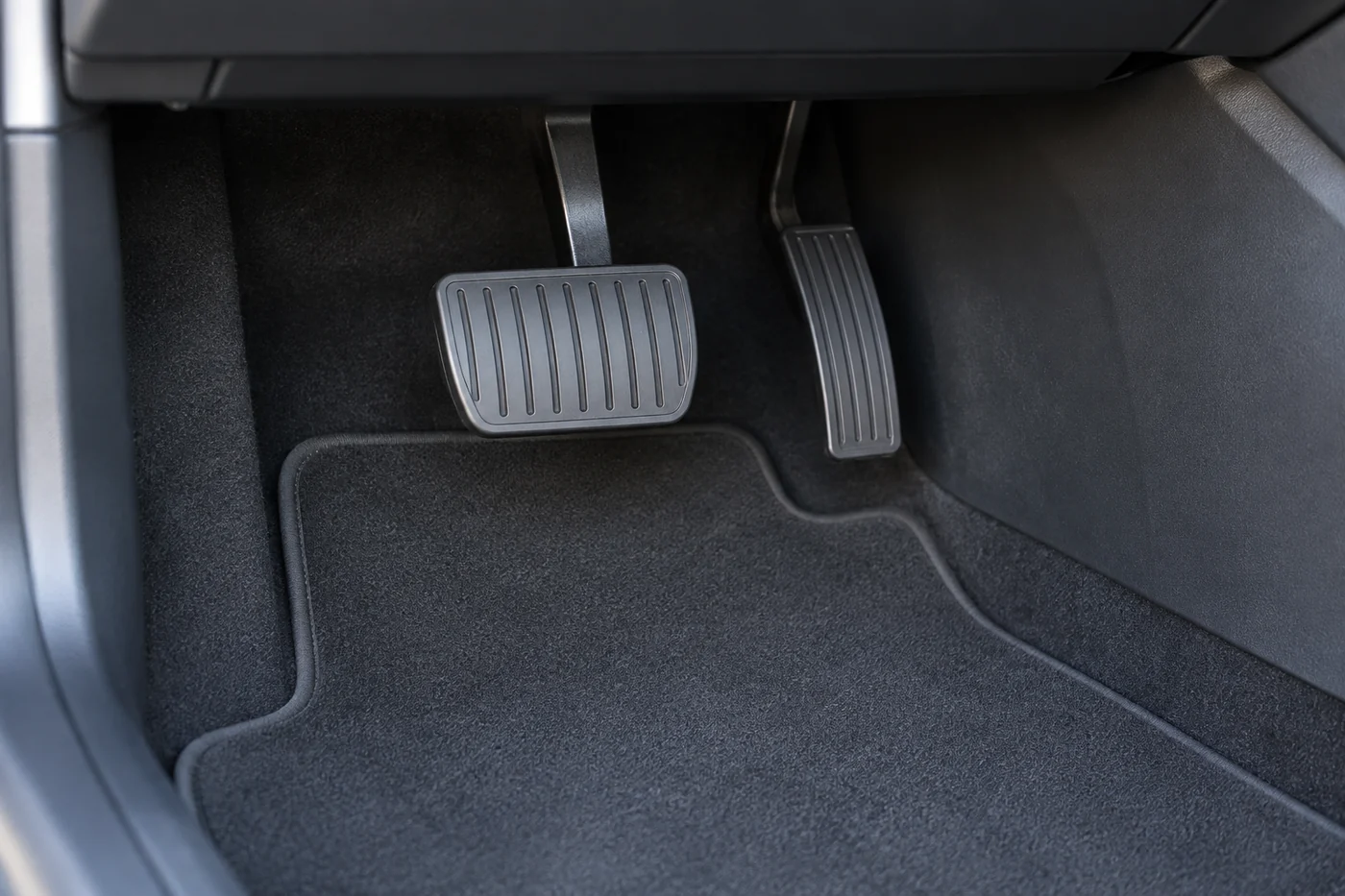
What to record while safely parked
You can prepare a useful account while parked. Begin with the model and year, whether the vehicle is a UAE-market car or an import, the battery percentage and the software version. Add the time the change first happened and whether you had just charged. These details help identify the correct instructions and the conditions worth considering.
Write down whether the change involved releasing the accelerator, pressing the brake pedal or both. Describe what you felt in ordinary language. If the pedal was unusually hard, travel seemed different or stopping did not feel dependable, state that directly. Do not replace those observations with a guessed component name.
Keep any screen message exactly as displayed. Take a photo only after stopping safely, and note whether the message remained or disappeared. Also mention recent relevant work, such as tyre replacement or a brake repair, without assuming it caused the problem. Dates and the actual work performed are more useful than a general claim that the car was serviced recently.
- Battery state: percentage at the time and whether charging had just finished.
- Vehicle information: model, year, market and software version.
- Behaviour: lift-off slowing, pedal response and any unusual noise.
- Exact alert: full wording, code if shown and any instruction to stop or arrange service.
Do not make emergency stops, seek a steep descent or repeat acceleration runs to collect evidence. Do not film while driving. A workshop should decide how to assess the complaint safely. An uncertain stopping response is a reason to stop and arrange suitable assistance, not a reason to attempt a more demanding test.
When to arrange an assessment
If weaker regen continues outside the conditions described in your manual, or the change is unexplained, ask for an assessment. Supply the notes above and distinguish any current warning from a message seen earlier. A complaint that returns on several ordinary journeys may need investigation even if no warning is visible when you arrive.
An assessment should establish the applicable vehicle behaviour and examine the reported symptoms before a repair is proposed. Regen recovery, control settings and the wheel-brake system are related, but replacing pads cannot automatically fix a regen complaint. Likewise, a sensor replacement should not be sold on the strength of a vague description alone.
Ask what finding supports any proposed work and whether the estimate covers diagnosis, repair or both. There is no reliable universal price for “regen calibration” without an identified problem and scope. Keep fault assessment separate from routine brake maintenance, and do not accept a parts list as a substitute for explaining the cause.
Once the concern has been assessed, ask how the result was checked and which conditions might still produce normal regen limitations. That gives you an expectation for the next charge or cold start. If a warning returns, retain the new message rather than assuming it is the same issue or that the previous work failed in the same way.
Get help with a braking concern
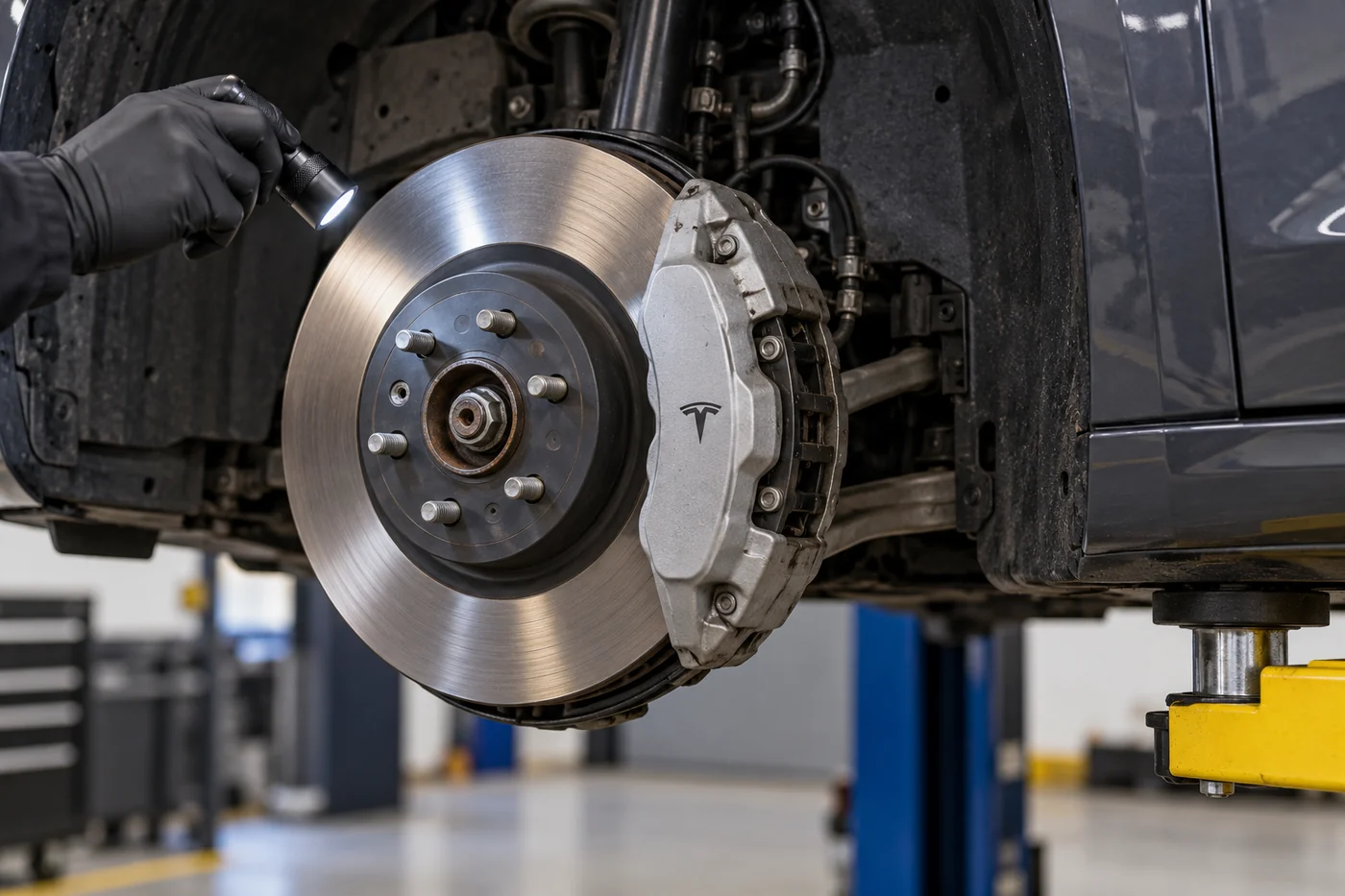
If the change persists without an explanation, or pedal braking feels abnormal, arrange a brake assessment. Tell the workshop the exact alert and how pedal braking has changed. If stopping is uncertain, arrange assistance rather than driving to the workshop.
Common regen questions
Does weaker regen mean my brakes have failed?
Not by itself. Cold or full battery conditions can limit energy recovery. Changed brake-pedal response, difficulty stopping or a brake-system warning needs separate attention. Follow the alert, and do not assume battery state explains it.
Will every Tesla add friction braking automatically?
No single instruction covers every vehicle. Model, market, software and available settings matter. Read the manual associated with your car, and remain ready to use the brake pedal rather than relying on assumed compensation.
Should I lower charge just to restore regen?
Follow your vehicle’s charging recommendation and your journey needs. Do not drive unnecessarily to reduce charge or change the recommended routine solely because an article suggests a universal percentage.
Should I reset the car to clear warnings?
A reset is not a safety assessment or proof of repair. Preserve the exact message and follow the displayed instruction. If braking feels uncertain, stop safely and arrange help instead of trying successive resets.
Choose the next step
For reduced lift-off slowing without a brake fault, check the battery conditions and the instructions for your own car. Record the circumstances if the change persists. For abnormal pedal response, unsafe stopping or a warning requiring action, follow that instruction and arrange help. This distinction is more useful than treating every change as a regen glitch.
Sources and vehicle applicability
Checked 30 September 2026. These manuals explain the battery limits, vehicle differences and brake indicators discussed above. Use the version associated with your own vehicle. Tesla can update online instructions.
- Current UAE Model 3 braking instructions
- Current UAE Model Y braking instructions
- 2017–2023 UAE Model 3 braking instructions
- Current US Model 3 braking instructions, for market comparison
Tesla Repair Dubai is an independent workshop operated by AMF Auto Services LLC in Al Quoz 4, Dubai.