Driving assistance
Tesla Autopilot Features and Limits in the UAE
Separate cruise control, lane steering and active safety features, then check what your car supports and when you need to take control.
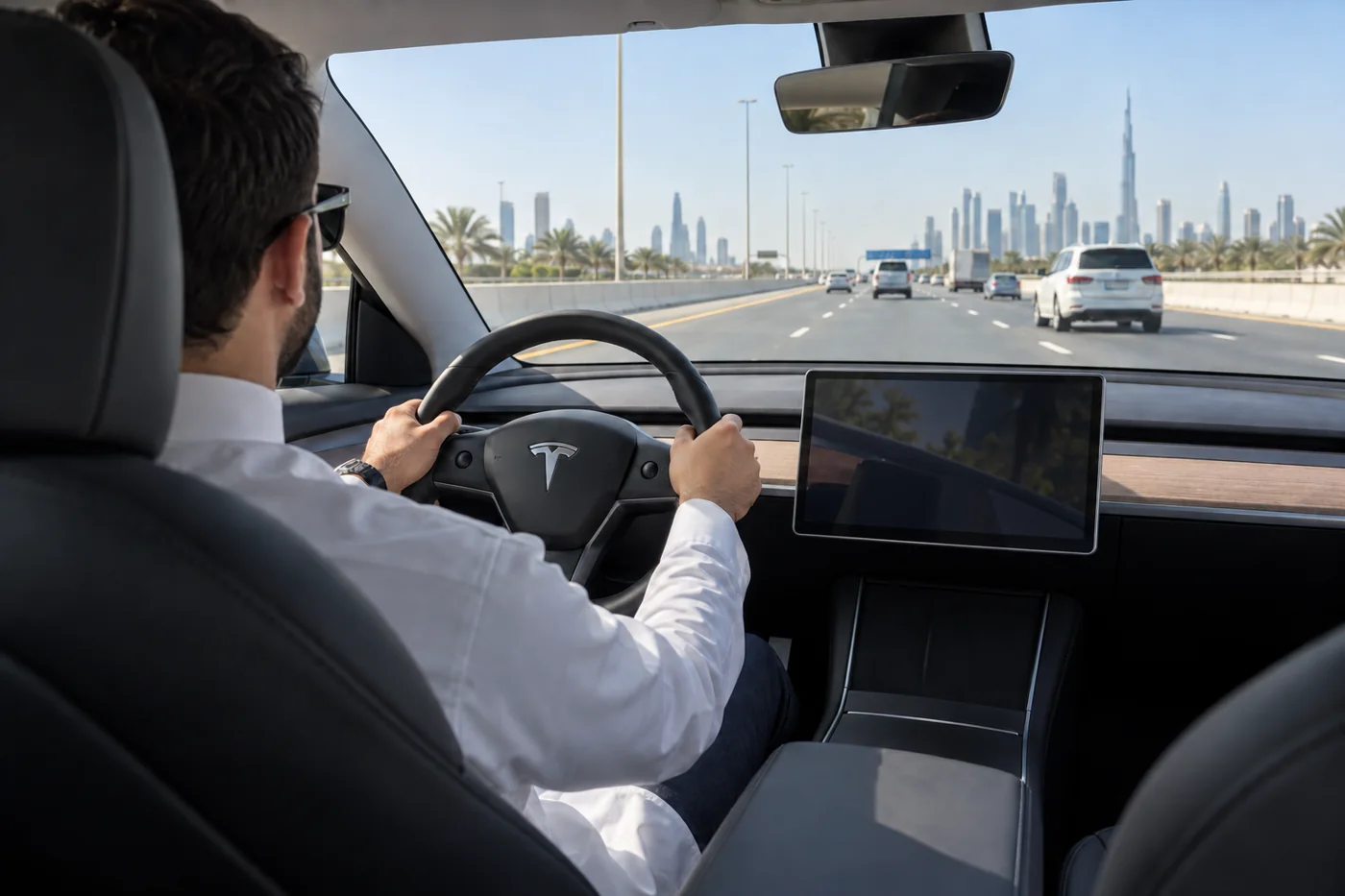
A Tesla advert may mention Autopilot or Full Self-Driving, but those names do not mean the car can take responsibility for your journey. Tesla’s driving-assistance features can help with speed and steering, but availability depends on the vehicle and its package. You remain responsible for steering, speed, observation and taking over. Before paying for an upgrade or choosing a used car, check what that particular vehicle can do today.
Which driver-assistance features your Tesla actually supports
Tesla’s UAE feature list describes Traffic-Aware Cruise Control and Autosteer under Autopilot. Its Full Self-Driving Capability package lists additional parking, lane-change and Summon functions, subject to vehicle eligibility. The same page still lists Navigate on Autosteer, Traffic Light and Stop Sign Control, and Full Self-Driving Supervised as upcoming when checked on 1 October 2026.
| Feature or group | How to interpret it |
|---|---|
| Traffic-Aware Cruise Control | Speed and following assistance. It does not provide steering assistance by itself. |
| Autosteer | Assisted steering within a clearly marked lane, used with traffic-aware cruise control. |
| Auto Lane Change and Autopark | Additional package functions. Check that they are available on the actual vehicle. |
| Dumb Summon and Actually Smart Summon | Separate movement and parking-area functions with their own operating restrictions and supervision requirements. |
| Features listed as upcoming | Do not include them in a present-day capability or value comparison. |
Swipe to read the full table.
A package entitlement is different from an enabled feature. Tesla’s UAE support page still places Full Self-Driving (Supervised) in its upcoming list; it does not establish a launch date for your car. A video from another market, an early-access demonstration or a subscription name does not prove that the same functions are enabled on your UAE vehicle.
Use the vehicle’s current screens, account details and relevant owner manual together. If a feature is central to your purchase decision, ask for it to be identified before agreeing a price. A broad description such as “full option” does not tell you which software functions are included.
Your responsibilities while using Tesla driving assistance
Driver assistance is useful when you understand the task it is helping with. Cruise control can reduce repeated speed adjustments. Steering assistance can help within its intended road conditions. Neither changes your responsibility to observe the road, judge the situation and act before a developing problem becomes urgent.
Keep your hands on the wheel and your attention on driving. Do not treat the feature as time to use a phone, answer messages or watch the display instead of the road. Supervision means actively following what the vehicle and surrounding traffic are doing, rather than waiting for an alert to tell you that something has gone wrong.
Decide when assistance is useful before the road becomes complicated. If you are approaching a junction, an unfamiliar exit or a changing traffic layout, take control early enough to make the manoeuvre calmly. There is no benefit in leaving assistance engaged just to find out how it will respond.
Explain the same boundaries to anyone else who drives the car. A family member may understand ordinary cruise control but assume that a lane graphic means all steering decisions are covered. Review the actual features and controls while parked before sharing the vehicle.
Separate cruise control, Autosteer and Lane Assist
Traffic-Aware Cruise Control manages a set cruising speed and can adjust for a detected vehicle ahead. The driver still chooses a safe speed and following distance. Do not assume that the displayed set speed remains appropriate when traffic, visibility or the posted limit changes.
Autosteer adds lane steering assistance while cruise control manages speed. Lane Departure Avoidance can warn or give a limited corrective intervention; Emergency Lane Departure Avoidance addresses particular collision-risk situations. These active safety functions are different from continuous lane centring. Tesla’s Model 3 Lane Assist instructions explain those distinctions and their limitations.
Autosteer’s presence should not be confused with route navigation. Entering a destination does not mean that basic Autopilot will choose exits, negotiate roundabouts or drive through city junctions. Those are separate tasks and cannot be inferred from the navigation route on the screen.
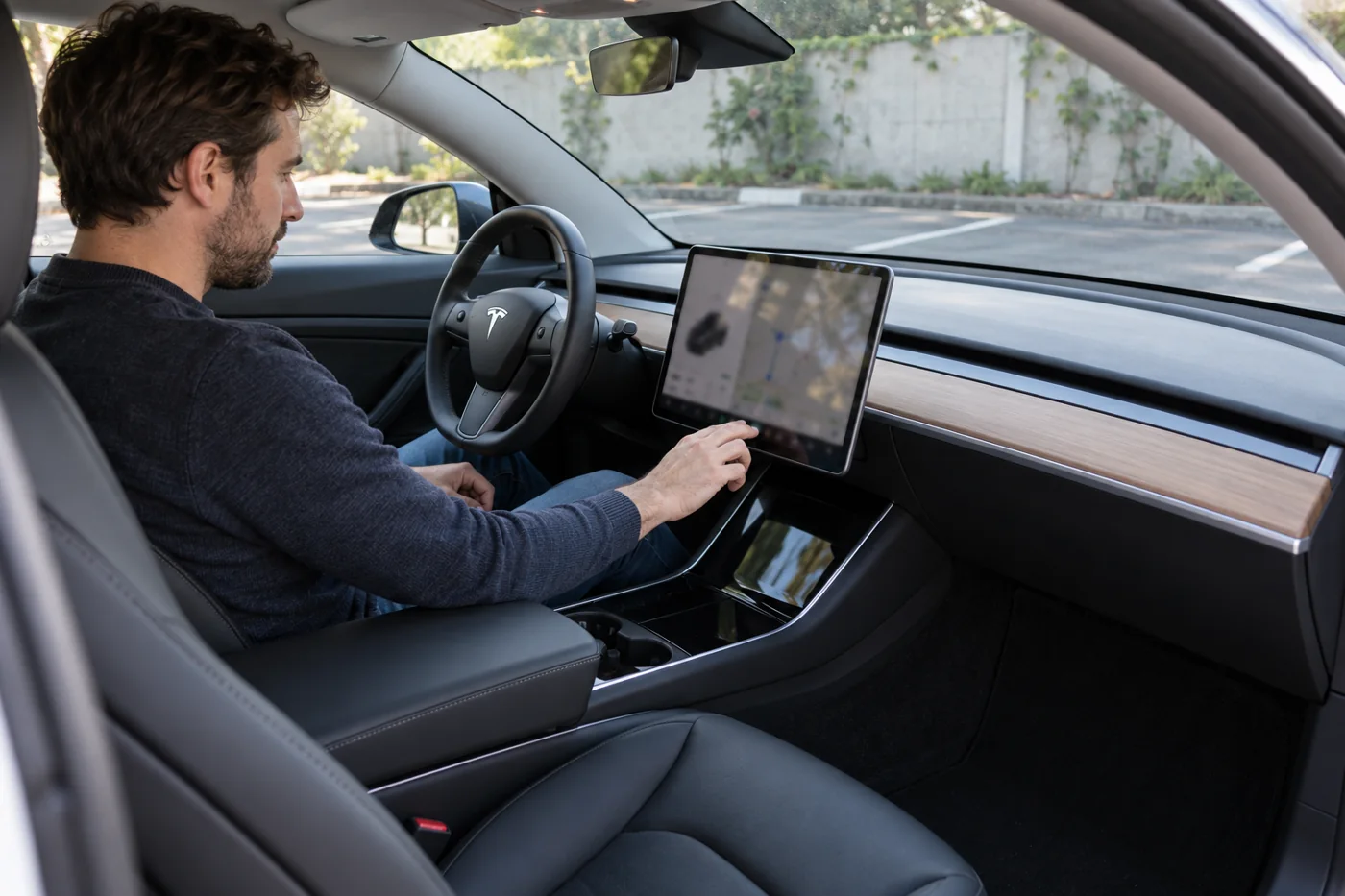
An enabled setting is different from assistance actively controlling the car. The current UAE Model 3 manual describes a grey steering-wheel icon when Autosteer is available and a blue icon when active. Displays can differ across vehicles and software, so check your own manual before interpreting an icon.
Control methods vary. Some vehicles use a stalk, others use a steering-wheel button, and activation settings can change the sequence. Follow the instructions for the model and software you have. Copying a button sequence from an older Model 3 video can create confusion in a differently configured car.
Know how to cancel both steering and speed assistance. In the current Model 3 instructions, taking over steering can leave Traffic-Aware Cruise Control active with the Double Click activation setting; with Single Click, both cancel. Do not assume that cancelling lane steering also cancels speed control. Read the controls and cancellation instructions for your vehicle while parked.
Conditions that can limit speed and steering assistance
Tesla’s Model 3 limitations and warnings restrict Autosteer to controlled-access highways with an attentive driver. They warn against construction-zone use and areas with pedestrians or cyclists. A road being wide or having several lanes does not by itself make it suitable.
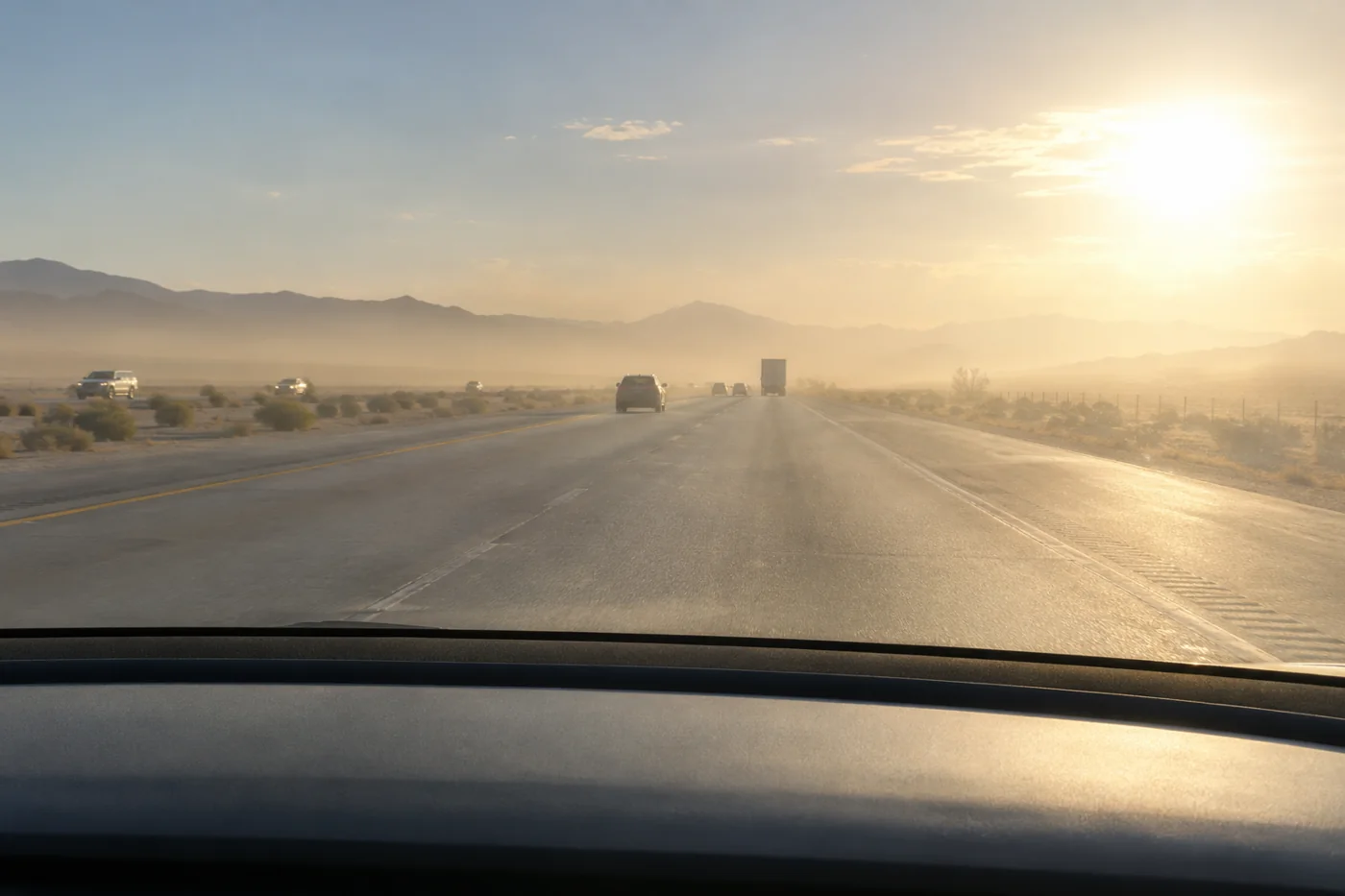
Faded or conflicting lane markings, sharp curves, poor visibility and glare can affect assistance. Traffic-Aware Cruise Control may also brake unexpectedly or fail to respond adequately to a stationary or partially obstructing vehicle. Keep looking beyond the vehicle directly ahead, particularly when it changes lane and reveals a new situation.
For a UAE commute, assess the actual stretch of road rather than the road’s name. A familiar highway can include a temporary diversion, a changed lane layout or a busy merging area. A section that felt straightforward yesterday may require different attention today.
Make a habit of planning your exit in advance. Watch the signs, check mirrors and position the car appropriately while you still have space to do so. Do not depend on the navigation display or assistance system to rescue a late lane choice. Missing an exit is preferable to forcing an abrupt manoeuvre.
Weather deserves the same judgement. If visibility or grip makes steady-speed assistance inappropriate, drive manually at a speed suited to the conditions. Avoid using the feature as a way to reduce the attention needed in difficult weather. The driver still has to judge the road surface, sight distance and surrounding traffic.
Never test whether the car will recognise an obstacle, stop at a signal or react to a pedestrian. Learning the limits belongs in the manual and the feature description. Deliberately creating a dangerous situation does not provide a sensible way to assess a system.
Why hardware, market and software must match
Tesla’s UAE support information describes camera-based Tesla Vision for Model 3 and Model Y vehicles built for the Middle Eastern market. Older vehicles and other models can have different equipment; do not assume every Tesla has the same radar, ultrasonic sensors or cameras.
Start with the model, production period, software version and installed package. Then review the vehicle information and manual relevant to that car. A registration year or a similar-looking exterior is not enough to identify every hardware detail.
If a seller advertises a particular computer generation, ask how that information was confirmed. More recent hardware should not be treated as an automatic entitlement to every feature discussed online. Hardware, purchased software, market availability and the condition of the vehicle are separate parts of the ownership decision.
Check imported cars particularly carefully. A feature description from the original sales market may not match the supported local experience. Ask Tesla about the vehicle-specific position before paying for a car on the strength of an overseas capability claim. The answer should be tied to the actual vehicle, not another owner’s import.
A software update is different from a hardware retrofit. For example, Tesla identifies vehicles built between September 2014 and October 2016 with first-generation assistance hardware as ineligible for retrofit to the latest hardware. Check the actual vehicle’s computer information and eligibility with Tesla; a newer computer alone does not grant every feature.
Camera visibility and alerts need different responses
Driver-assistance cameras need an unobstructed view. Inspect the relevant exterior areas while parked and use the cleaning guidance in the vehicle manual. Do not attach accessories, stickers or other items where they interfere with the camera view.
Reduced camera visibility, incomplete calibration, driver-attention restrictions and missing feature entitlement are different concerns. Preserve the full message and any identifier once safely parked. An unavailable feature does not prove a camera has failed.
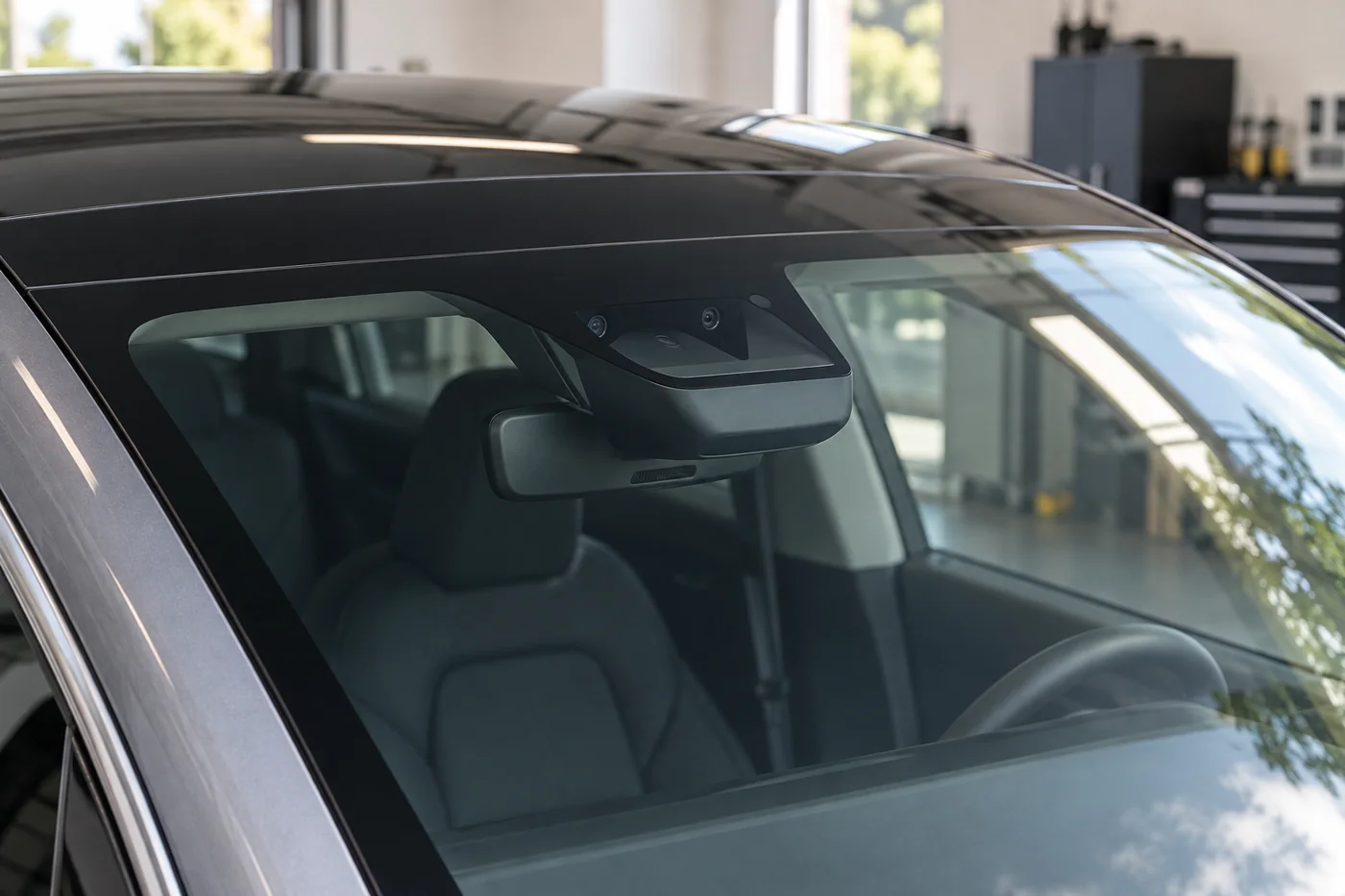
Camera calibration establishes the relationship between the camera view and the vehicle. It can be required after certain repairs, including work that changes a camera’s position. The touchscreen may show calibration progress. Follow the applicable manual and repair instructions rather than clearing calibration as a routine cure for any warning.
If a concern began after windscreen replacement or bodywork near a camera, tell the repairer what changed and when the warning first appeared. Ask whether the required checks and calibration steps for that work were completed. A helpful follow-up connects the symptom to the repair history without assuming in advance that a particular component is defective.
Keep the work order and the final explanation together. If the issue persists, give the provider the same message, conditions and timing on the next visit. That is more useful than repeatedly resetting settings and losing track of the original pattern.
If the car says a feature is unavailable, continue only as permitted by the vehicle’s instructions and your ability to drive safely without it. A separate braking, steering or stop warning must be treated according to its own instructions. Do not group every warning into a minor assistance inconvenience.
Read the message before assuming a fault
The following examples come from the current UAE Model 3 Autosteer manual. Other models, builds and software may use different wording. Respond to your car’s instruction rather than trying to make its message fit this table.
| Example message or state | What the driver needs to understand |
|---|---|
| “Self-Driving is Aborting” | Take over steering immediately. Do not wait for assistance to recover. |
| “Apply slight turning force to steering wheel” | A driver-attention prompt requires a response. It is not a diagnosis of a camera fault; never bypass monitoring. |
| “Self-Driving temporarily disabled” with “Driver attention warnings ignored” | Drive manually as instructed. A usage restriction is different from a replacement-part diagnosis. |
| Camera visibility or calibration message | Keep manual control, follow the full instruction and record the exact wording while parked. Obstruction, calibration and hardware condition need different assessments. |
Swipe to read the full table.
A steering change that feels unexpected, lane drift, abnormal braking or a stop instruction must not be dismissed as normal “Dubai behaviour.” Take control and respond to the actual condition. Do not recreate the event, cross lane markings deliberately or repeatedly re-engage assistance to test it.
Check the actual features before buying used
Make software equipment part of the purchase inspection rather than a conversation left until collection. Ask the seller to show the current package and feature information in the actual car. Review it against the sales description and record anything you expect to be included.
- Identify the exact model, production period and original market.
- Check the package shown on the vehicle and distinguish included features from subscriptions or trials.
- Review any current camera, assistance or calibration messages.
- Ask about windscreen replacement, collision repairs and relevant invoices.
- Confirm the ownership-transfer process and what needs checking after transfer.
- Put any unresolved feature or repair promise into the written agreement.
A demonstration should be safe, lawful and limited to supported features. Do not ask a seller to prove a claim by taking their hands off the wheel or trying the system in unsuitable traffic. A calm explanation of the package and its normal operation is more useful than a dramatic demonstration.
Separate the car’s general condition from the software package. A desirable feature does not cancel out an unresolved warning, poor repair history or an unclear ownership record. Resolve those questions on their own merits before using the package name to justify the purchase price.
After a change of owner, check your own account and vehicle information rather than relying only on the seller’s old screenshots. If something differs from the agreement, raise it promptly with the seller and the appropriate support channel. Keep the original listing and written description for that discussion.
Choose a package for the journeys you make
Autopilot may be useful if much of your driving takes place on suitable highways and you are comfortable supervising assistance. Its value is less obvious if most journeys involve short urban streets, complex junctions or conditions where you prefer to drive manually.
List your normal journeys and the available feature that would help on each one. This is a better purchasing exercise than counting how many names appear in a package. You might value basic cruise and lane assistance while rarely needing an additional parking function.
Compare paid options against functions available to that vehicle today. Check the current price and eligibility through Tesla’s account or vehicle purchase flow. Prices and offers can vary, so an old dirham figure from a blog should not drive the decision.
Keep data and entertainment subscriptions separate from driving-assistance entitlement. A working internet connection does not establish that a driving feature has been purchased, enabled or approved for the vehicle’s market.
There is no requirement to use every feature the car offers. A sensible ownership decision is the one that matches the journeys you make and the level of supervision you are prepared to provide. You can choose manual driving whenever the conditions or your confidence make it the better option.
Discuss a persistent warning before approving repairs
A recurring camera alert deserves an assessment before you approve camera replacement. Send the exact message, model, production details, software version and any recent windscreen or bodywork history. Confirm which checks the workshop can complete for your car. Package entitlement, release availability and account restrictions need Tesla support rather than a speculative parts change.
Common questions about Tesla driver-assistance feature limits
Can I use Autopilot to drive hands-free?
No. The assistance described here requires an attentive driver with hands on the wheel, ready to act. Do not use accessories or techniques intended to bypass driver supervision.
Does entering a destination make the car follow the route?
No. Navigation directions and basic Autopilot perform different jobs. Do not assume the car will choose an exit, turn at a junction or stop at a traffic signal because a route is displayed.
Should calibration be cleared after every update?
No. Follow the vehicle’s instructions and any required service procedure. Clearing calibration unnecessarily creates another task and is not a general solution for camera visibility, hardware or feature-eligibility problems.
Is a future feature worth including in a purchase budget?
Base your decision on the supported features available now. Future development, release timing and approvals remain separate questions. A package description should not be treated as a guaranteed delivery date for an upcoming function.