
Fobs, cards and access keys
Tesla Key Fob Replacement in Dubai
A lost key or an unreliable fob can leave you unsure how to use your Tesla. Our Al Quoz workshop helps with key-fob assessment, battery changes and compatible replacement keys, with the available options explained before you book.
Independent Tesla workshop · Tell us your model and whether another key still works
Choose the help you need
A spare or a replacement?
If you still have a working key, arranging a spare is usually a different job from restoring access when every key has been lost. Tell us which situation applies so we can discuss the suitable part and setup arrangements.
A weak fob also deserves an assessment before you pay for a complete replacement. The small battery, the fob itself and the vehicle’s response are separate things to check.
- Fob battery service
- Check the battery and fit the correct cell where needed, then test the fob’s response.
- Damaged or missing fob
- Identify a compatible replacement and establish how it can be added to your vehicle.
- Spare or replacement card
- Arrange a suitable card for a supported Tesla and check the authorisation needed to add it.
- Access or setup problem
- Explain what still works before buying a key. A phone setting or vehicle fault may need different attention.
Budget for the right key
Tesla key replacement cost
Estimated range for a replacement fob, subject to the vehicle and required work. Confirm the part, setup charges and VAT treatment in the written quotation before ordering.
A fob battery change, a new card and a complete fob are different purchases. We quote battery service and card supply separately rather than applying the fob range to every key enquiry.
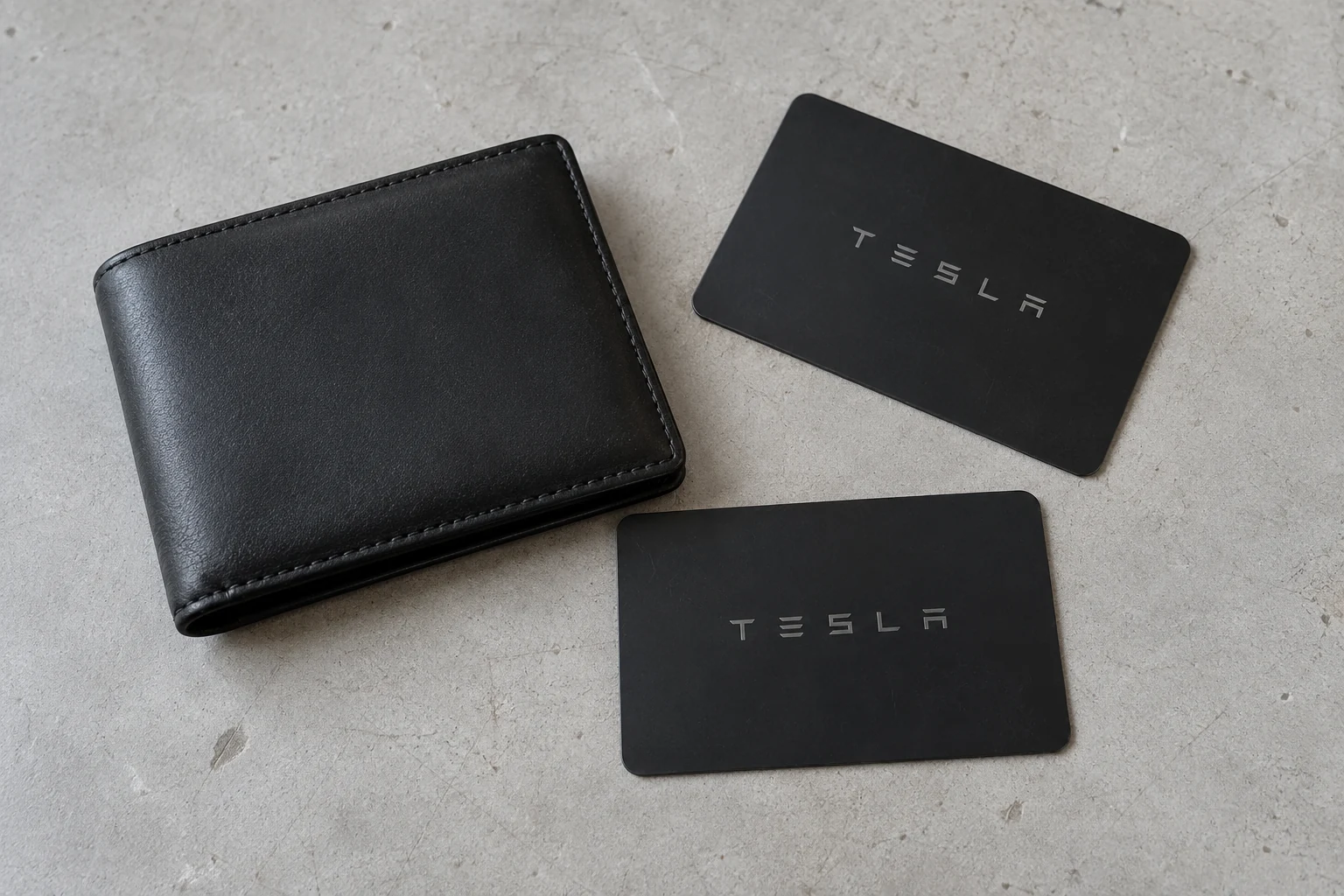
For a parts-only comparison, Tesla’s UAE shop listed a pack of two key cards and a wallet at AED 144 when checked in September 2026. That is a retail accessory price, not our supplied-and-set-up quote. Availability and the retailer’s VAT treatment need checking when ordering.
Avoid an unnecessary replacement
When the fob stops responding
Intermittent unlocking does not by itself prove that a fob needs programming. Describe the fault and any warning, including whether your other key works normally.
A low-battery message
A suitable battery replacement may be all that is needed. The cell type is matched to the fob version, with the battery compartment and response checked afterwards. A coin cell and a complete fob should be quoted as different jobs.
Damage after a drop or spill
Cracks, broken covers and liquid exposure call for inspection. A fob is not waterproof, and changing its battery cannot undo damaged electronics. Repair suitability and replacement cost need assessment; restoration cannot be promised from a photo alone.
Only one key behaves badly
Testing against a known working key helps narrow the problem. The result may point towards that fob, its condition or its setup, rather than a fault affecting every way of entering the car.
No key gets a response
Explain whether the touchscreen and other electrical functions still work. A vehicle that has lost power needs different attention from an otherwise responsive car with a missing key. Call before arranging parts or transport.
If the car recognises the key but one door will not open, the handle or latch may need door repair. Replacing a working key will not correct a mechanical door fault.
Match the access system
Fob, card or phone key?
The right choice depends on the vehicle and how you want to use it. Model name alone is not enough for every fob, so the model year or VIN may be needed before supply is agreed.
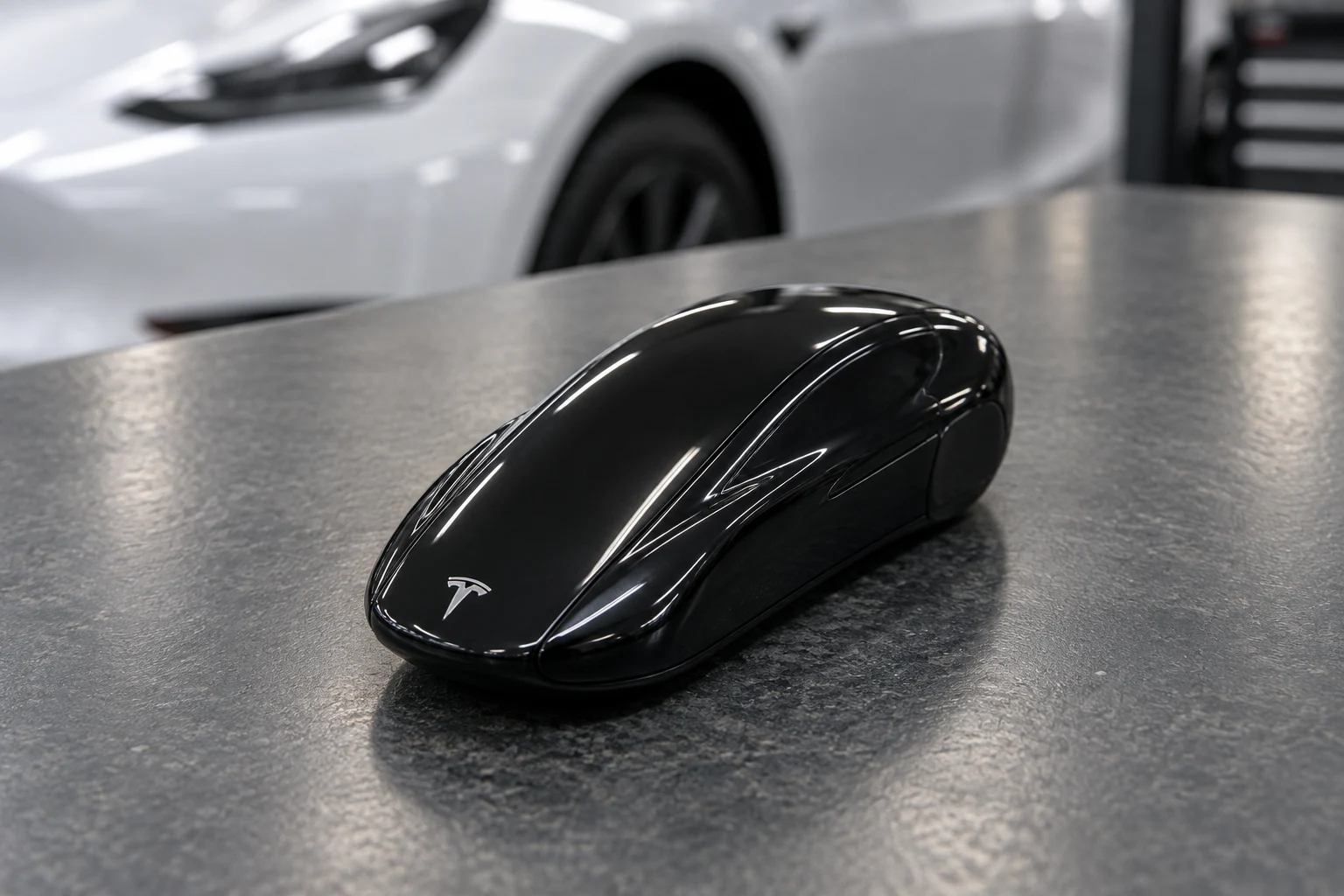
A physical key fob
A convenient alternative for owners who prefer a separate key. Supported functions and Passive Entry vary with the fob and car; do not assume every replacement provides the same hands-free behaviour.
A wallet-sized key card
Useful as a physical backup on compatible vehicles. Tesla lists its current card for Model 3 and Model Y, and Model S and Model X produced from 2021. A card is scanned for access rather than behaving like a proximity fob.
A paired phone
Phone-key support depends on the vehicle. The 2012–2020 Model S and 2015–2020 Model X do not support the Bluetooth phone-key function, even though remote app functions may be available.
Establish access before the appointment
Lost one key or every key?
Key addition must use the appropriate owner-authorised process. Let us know whether you can still enter the car and whether it appears in your Tesla app before a visit is arranged.
Adding a spare or replacement
Bring the working card or fob and the vehicle. On supported cars, an already authenticated key can authorise adding another through the normal vehicle controls. Suitable replacement parts and the actual procedure are checked for your build.
If a key has been lost, its access also needs to be reviewed. Adding a new card does not automatically mean every previously paired key has been removed.
Check the owner’s app access
Supported Tesla software allows the vehicle owner to add a physical key through the Tesla app in some circumstances. The car, account access and software requirements must suit that method; ordinary additional-driver access is not the same permission.
If that option is unavailable, Tesla assistance may be required. Our independent workshop does not promise to bypass security restrictions or provide every all-keys-lost procedure. Confirm the appropriate assistance before recovering the vehicle.
Recently bought a used Tesla?
Possessing a card and being recognised as the owner in the Tesla app are separate matters. Complete the ownership transfer through Tesla’s process and review the physical keys supplied by the seller. A key-fitting appointment cannot replace account-ownership verification.
Keep the diagnosis specific
When only the phone fails
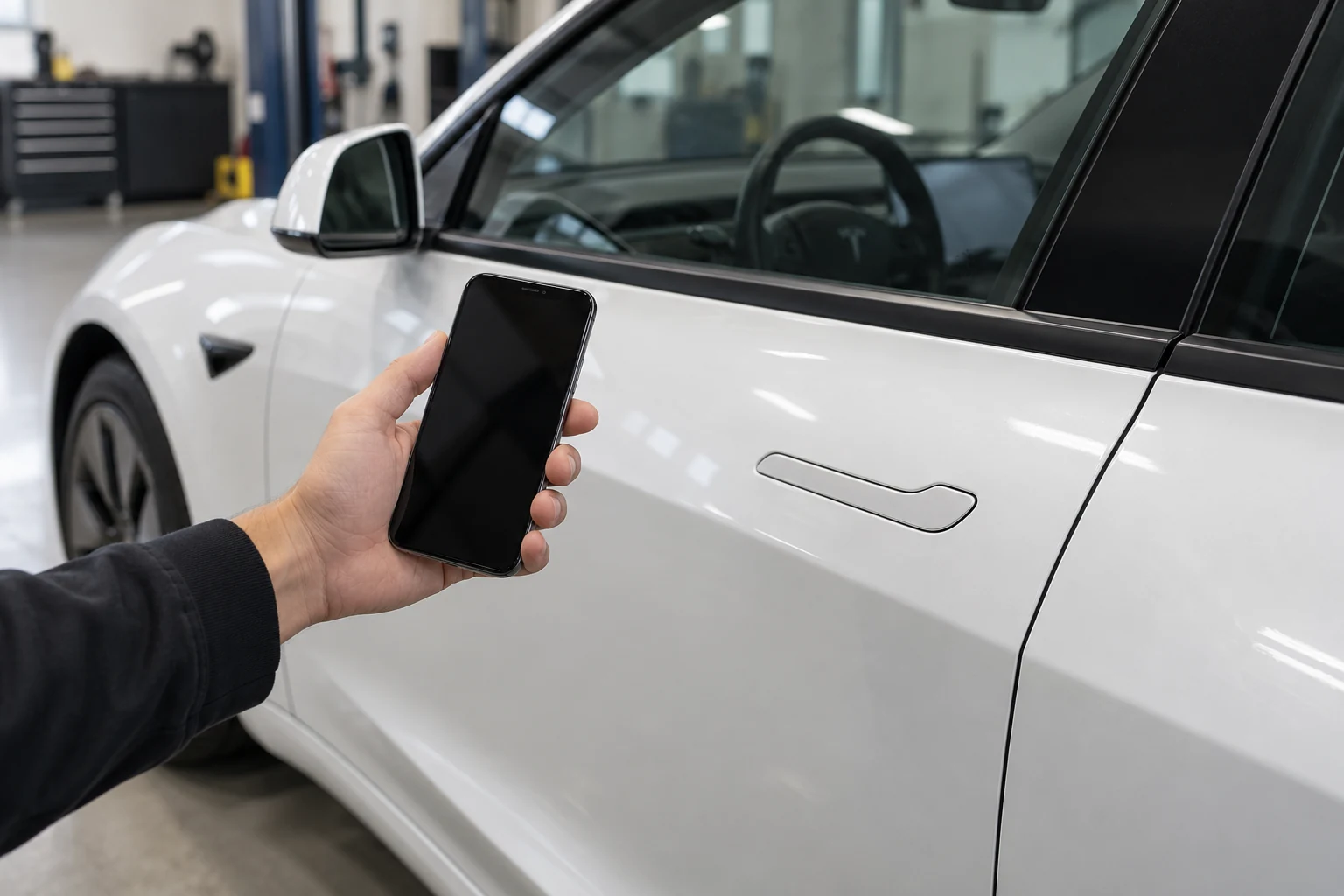
If a physical key works but your phone no longer unlocks the car, mention that when you enquire. Phone-key setup depends on the supported vehicle, the Tesla app, Bluetooth and the relevant phone permissions.
A replacement fob can provide another access option, but it does not repair a phone setting or account problem. Have your phone available during the assessment, and keep control of your account while any setup is discussed.
Carry a working physical backup suitable for your car. On Model 3, a key card does not provide Walk-Away Door Lock, so check that the car is locked after using the card.
Prepare for the visit
Bring the vehicle and working keys
Start with a call or message describing the model and the key you need. The year, a photo of the fob and the exact warning can help identify the correct service without asking you to diagnose the fault.
- Bring the vehicle and every remaining card or fob so retained keys can be checked after setup.
- Have identification and evidence that you own the vehicle, or the owner’s permission, available for any required authority checks.
- For leased or company vehicles, confirm who can approve additional keys before arranging the work.
- Bring the phone used for the Tesla app if app access or phone-key setup is part of the enquiry.
Do not send passwords or one-time login codes by WhatsApp or through the enquiry form. Confirm any documents needed directly with the team; a first enquiry does not require you to upload identity documents.
Does a Tesla key card need a battery?
No. A Tesla key card does not have a user-replaceable battery. Battery service applies to a key fob. A card that will not work needs its condition, pairing and use checked.
Can I replace the fob battery myself?
Tesla provides battery-replacement instructions in the applicable owner’s manual. Use the correct cell and avoid damaging the cover or contacts. If you prefer workshop help or the fob remains unreliable afterwards, arrange an assessment. Keep new and used coin cells away from children.
Will a new key fix every unlock problem?
No. A replacement is appropriate when the key itself needs replacing. Phone setup, a door mechanism or a vehicle electrical fault can cause different access problems and should be assessed on its own merits.
Can a key bought online be fitted?
Send its product information before ordering or booking. We need to establish compatibility, the condition of the part and whether the required setup can be completed. Agree any limits on customer-supplied parts and warranty beforehand.
Can I book without knowing the part number?
Yes. Your model and a brief description are enough to start the enquiry. A photo, model year or VIN may be requested to identify the replacement before it is ordered.
Arrange the right key service
Tell us what still works
Whether you need a spare card, a fob battery change or a replacement fob, tell us your Tesla model and which keys you can still use. The team can then discuss the suitable next step and a quotation.
Our independent Tesla workshop is at Warehouse 39, Al Quoz 4, Dubai. Confirm the part and appointment before arrival, particularly for a lost-key enquiry.