Tesla ownership · Charging speed
Why Your Tesla Charges Slowly
Compare the charger, charge level and conditions before deciding that lower power means a fault.
A Tesla charging slowly is not automatically faulty. Power can fall as the battery fills, while its temperature is being managed, or because the connected equipment and vehicle have different limits. First confirm that a session is active, read any alert and compare charging under similar conditions.
A repeated unexplained reduction, interrupted sessions or a specific equipment warning deserves a different response from normal tapering near a full battery. If you see smoke, arcing or damaged electrical equipment, stop trying to charge and keep clear. Contact the site operator or emergency services if there is immediate danger.
Compare the same charging type
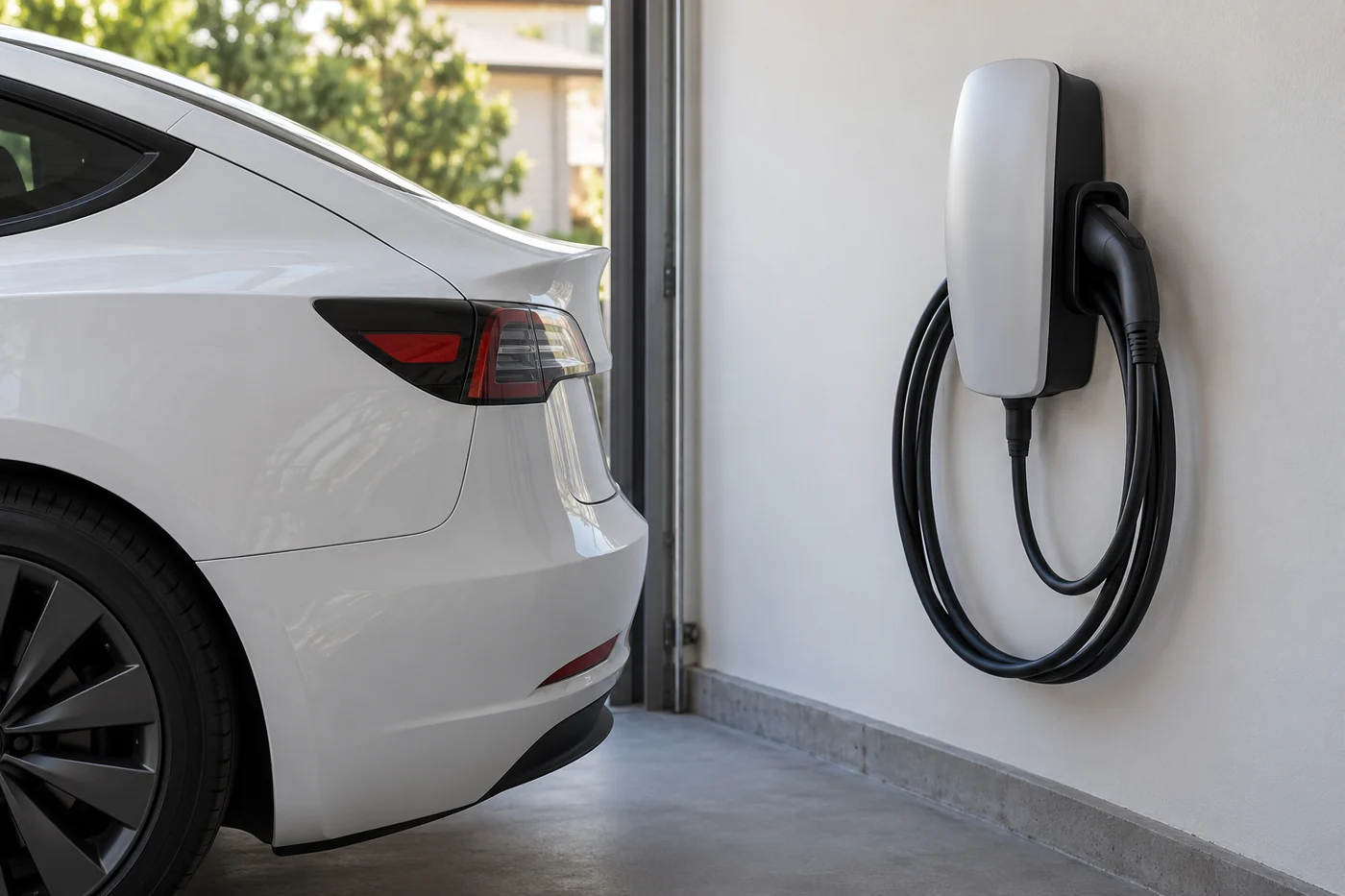
A home Wall Connector and a Supercharger are not comparable power sources. Alternating-current (AC) charging passes through the vehicle’s onboard charger, which converts it to direct current (DC) for the battery. DC fast charging uses a different charging path. Tesla vehicles have different onboard charging capabilities, and the supply and equipment settings also matter.
A station’s advertised maximum is a ceiling, not a promise of what your car will receive throughout a session. Check the vehicle’s configuration, market and fitted charging hardware before using another Tesla’s result as your benchmark. This matters for older or imported vehicles as well as different battery variants.
Use kilowatts (kW) to describe the charging power at a particular moment. Kilowatt-hours (kWh) describe energy added over time. Estimated kilometres added per hour are a range display, not a universal fault threshold. A low range-gain figure by itself does not identify a damaged battery.
Recognise expected charging reductions
| Pattern | What it means for the next check |
|---|---|
| Power falls as charge rises | Fast charging commonly slows as the battery fills. A late-session reading should not be compared with an earlier peak. |
| The car is preparing to charge | Battery heating or cooling can delay the start. Read the status rather than treating every connected-but-waiting period as a port failure. |
| Different equipment gives different power | The station, supply and vehicle capability can limit the result. Compare suitable equipment of the same type. |
| Charging has reached the set limit | Completion or a scheduled wait is different from slow active charging. Check the vehicle’s limit and session status. |
Tesla’s UAE Supercharging guidance explains that battery charge level, temperature, station use and climate conditions can change the rate. Charging to full usually takes longer than reaching a lower charge level. Use the daily or trip limit recommended by your vehicle rather than increasing it simply to test whether the final portion charges quickly.
For applicable vehicles, selecting a compatible fast charger in the car’s navigation allows battery preconditioning before arrival. Preconditioning means preparing the battery’s temperature for charging. It does not guarantee a fixed peak or duration, and cabin cooling alone is not proof that the battery is ready.
In UAE heat, record the displayed condition and any temperature message. A hot day alone cannot establish a cooling-system failure. Avoid turning off necessary cabin cooling to chase a higher reading, especially when passengers would be exposed to unsafe heat.
Check home charging settings safely
If charging is active but lower than usual at home, first check whether the current was deliberately reduced. The Model 3 manual explains that the vehicle can remember a charging-current setting at a location. A lower saved setting is different from a new hardware failure.
Ask the installer or equipment provider what current the installation was commissioned to deliver. Do not increase the vehicle or equipment setting beyond the installation’s confirmed safe capacity. The number printed on a charger does not establish that the connected circuit can supply it.
Read the charger’s own status lights or message as well as the vehicle alert. Some equipment limits power because of temperature, load management or its configuration. Those observations guide the next check, but they do not authorise an owner to open a Wall Connector, inspect terminals or keep resetting a circuit that trips.
A useful example is CP_a101, “Charge rate reduced – Wall connection hot”, in the current UAE Model 3 alert reference. Tesla directs the owner to an electrician to inspect the building wiring connection. This is not a warning to dismiss as normal summer tapering or a reason to replace the traction battery.
Stop using damaged equipment and seek the relevant professional advice. Never bypass an overheating or electrical warning, insert tools into the inlet, or use contact cleaner to try to restore charging power.
Check the public charging session
At a public charger, record the site and stall number. Check that the session is authorised and active, then read the equipment’s message. Waiting for a schedule, authorisation or an unavailable station is not the same as a car accepting low power.
Look up the site’s stated capability in the Tesla app, vehicle information or the operator’s listing. Station use can affect the result, but do not assume every Supercharger generation divides power equally between neighbouring vehicles. A blanket “the next car takes half your power” explanation is not reliable.
If the stall is broken or reports an error, ask the operator about suitable working equipment. An alternative at the same site may be useful when safe and available. Do not use an adapter that does not match the vehicle and equipment, or drive to distant chargers with inadequate remaining charge just to collect comparison readings.
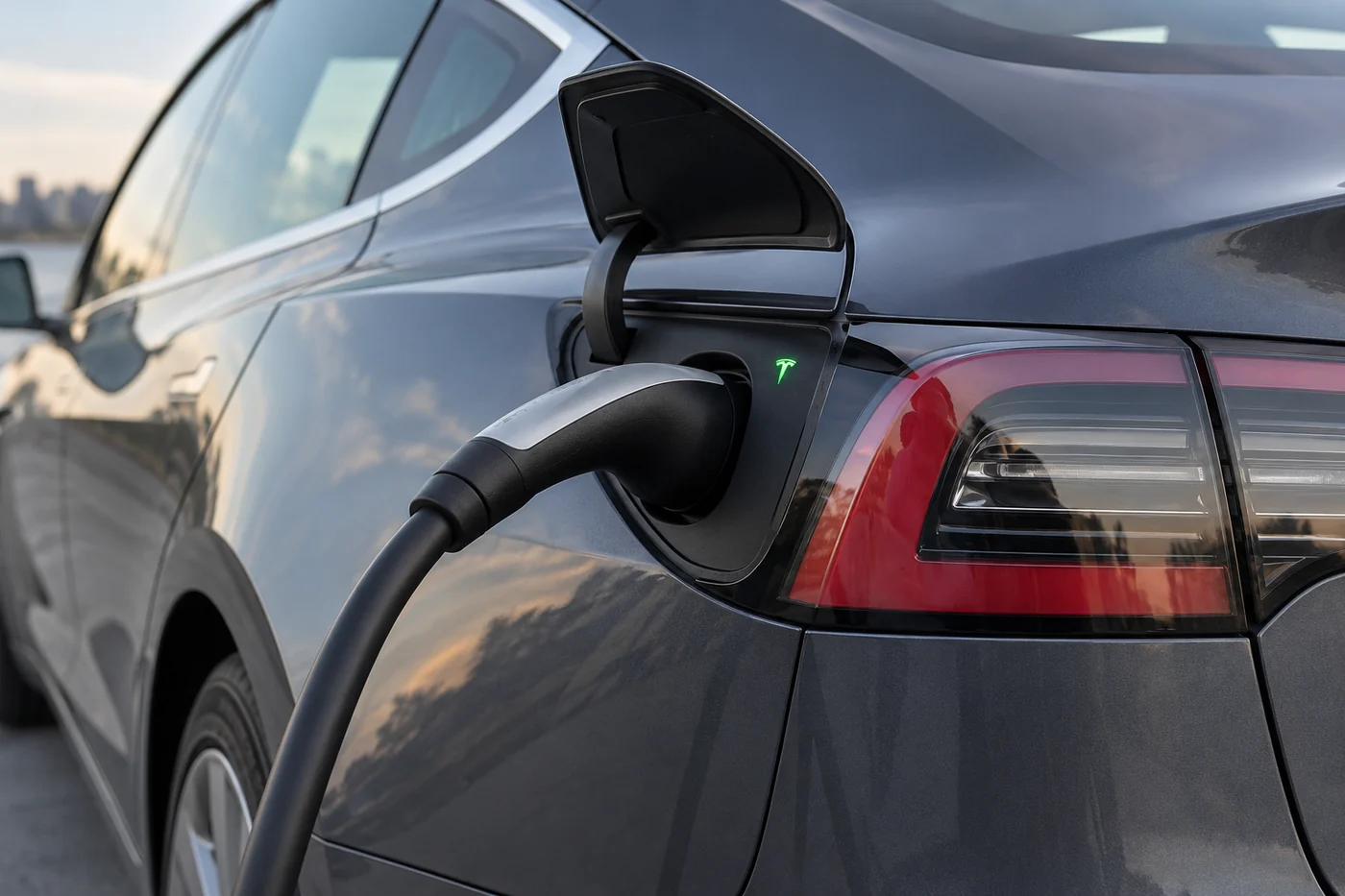
If charging fails to start or the connector does not seat or lock, record that specific symptom and the full warning. A session that never starts needs different checks from one that is active but accepting lower power. The charge-port lights show the charging status, so record the colour and full alert together. Neither the colour nor a low power reading identifies a failed component.

When the pattern needs assessment
Arrange help when the vehicle reports a fault, sessions repeatedly stop unexpectedly, or a significant change remains unexplained after the equipment, settings, charge level and temperature conditions have been considered. Treat an instruction to stop charging as an instruction, not a target to work around.
A repeated issue with independent suitable equipment is more useful evidence than one disappointing session. Keep AC and DC results separate. A successful fast charge does not rule out an AC charging problem, and an AC limitation does not prove that the battery is incapable of all charging.
Do not diagnose battery degradation, a controller fault or cell imbalance from the charging rate alone. Mileage is context, not a universal failure threshold. A technician needs the actual vehicle, alerts and session history to distinguish equipment limitations, electrical supply and vehicle conditions.
- One station or one home installation: give its operator or installer the message and session details first.
- A recurring vehicle warning: give Tesla or an appropriate service provider the full code and recommended action.
- Insufficient remaining charge: deal with a safe stopping place and assistance before further testing.
These distinctions prevent an expected charging curve from becoming an unnecessary parts replacement while still giving real warnings appropriate attention.
Record a useful charging comparison
You do not need to run the battery down or charge from empty to full for a diagnosis. Record what happens during ordinary safe sessions.
| Record | Include |
|---|---|
| Vehicle | Model, build year, market and known charging-hardware changes. |
| Equipment | AC or DC, equipment model or station/stall identifier and stated capability. |
| Battery and preparation | Starting charge percentage, the charge level at each power reading and whether navigation preconditioning was used. |
| Session | Time, displayed power, limit, current setting and whether charging stayed active. |
| Warning and comparison | Full alert, equipment message and the result on other suitable equipment, if already tried safely. |
Describe the change precisely. “It was slower near the end of this session” and “it stopped at several chargers with the same warning” lead to different checks. Include what worked as well as what failed.

Common slow-charging questions
Does slow charging mean the battery is damaged?
No. Rate alone cannot establish battery damage. First consider the charging type, equipment, battery charge level, temperature, settings and alerts.
Should a Supercharger maintain its advertised peak?
No. The site’s maximum and your vehicle’s momentary power are different. Your car may not support that peak, and power varies through the session.
Does a lower charge limit make every session slower?
A set limit tells the vehicle where to stop. Do not confuse reaching that limit with the normal reduction in fast-charging power as the battery fills.
Should I install updates or reset the car to restore speed?
Follow an applicable official instruction for the actual alert. A software version, a missed update or a successful restart does not by itself explain a slow session. Do not repeatedly reset the car or equipment instead of addressing an electrical warning.
Official Tesla references
- Tesla UAE Supercharging and variable charging rates
- Tesla UAE onboard charging capabilities
- Model 3 UAE charging settings and preparation
- Model 3 UAE troubleshooting alerts
- Tesla UAE Wall Connector troubleshooting
- Model 3 navigation and charging preconditioning
Model 3 examples describe the linked current manual. Use your vehicle’s and equipment’s matching instructions for another build or market.
Updated 30 September 2026 by Tesla Repair Dubai.
Compare like-for-like sessions, keep the full warning and let the findings determine the next check.