Tesla ownership · Charging problems
Tesla Charge Port Problems
Work out what failed, read the actual alert and know when to stop trying the connection.
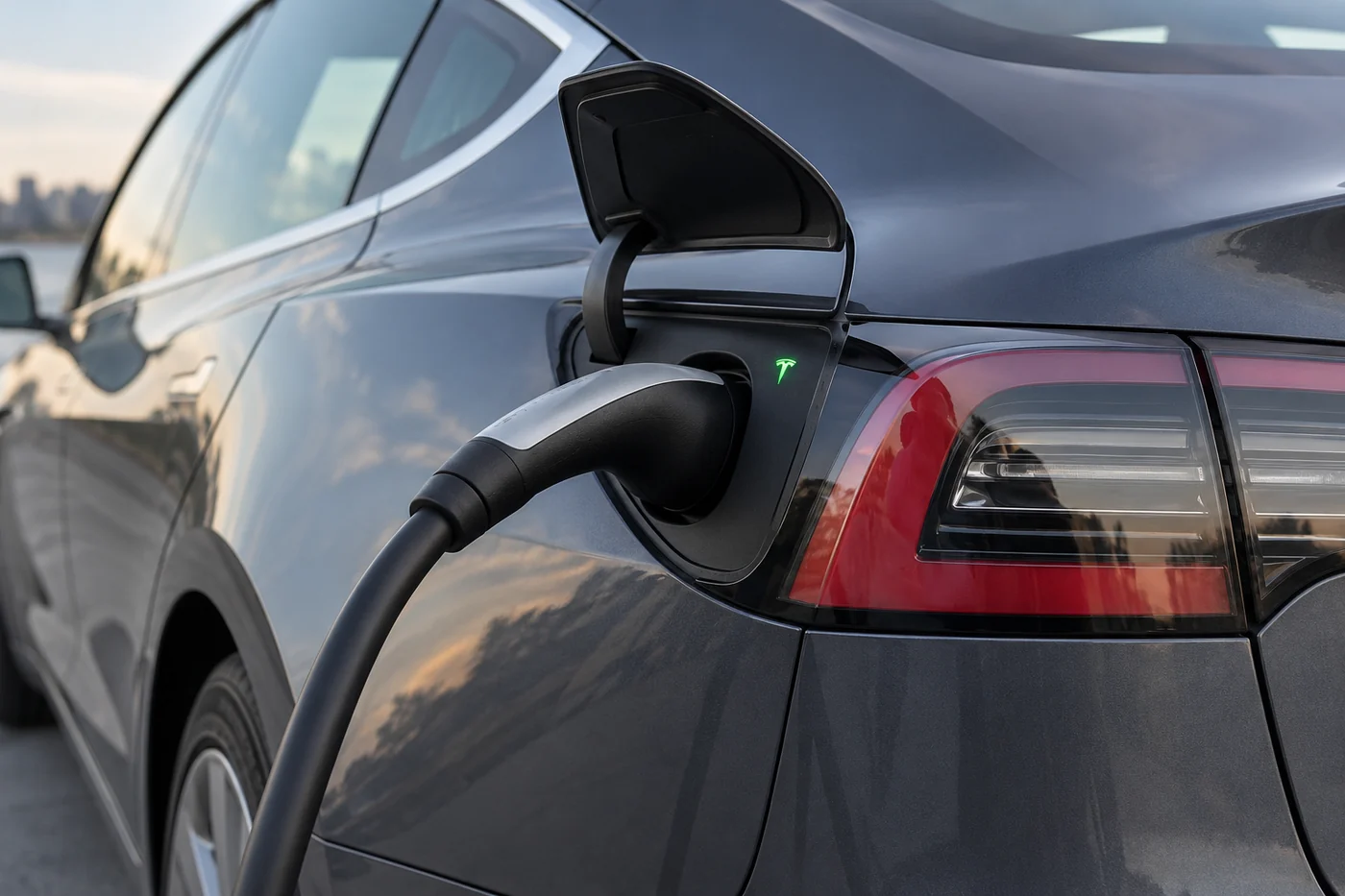
If your Tesla will not charge, first read the full vehicle alert and the charger’s status. A closed port door, an unlatched connector and a charger that has no power are different problems. Check ordinary charging settings and the visible connection only when the equipment is undamaged and safe to approach. Do not force the connector, dismantle the port or keep retrying damaged equipment.
The useful next step depends on where the problem occurs: one charging station, several independent chargers, or the door and latch themselves. Record that pattern before deciding that the car needs a replacement charge port.
When to stop using the connection
Stop charging attempts if you see a damaged handle or cable, exposed conductors, burn marks, smoke or arcing. Keep clear of unsafe equipment and alert the site operator. For fire or immediate danger, contact emergency services. Do not pull apart an unsafe live connection to investigate it.
Visible moisture, debris or an obstructed connector is a reason to pause and follow the relevant Tesla instructions. An external look is not an invitation to insert a brush, screwdriver, contact cleaner or compressed-air nozzle into the inlet. Do not wash the port with a pressure jet or touch its contacts.
In Dubai, describe what is actually present: a dusty connector, wet equipment, physical damage or a temperature alert. Heat and sand do not prove that a seal, latch or controller has failed. Claims that every local charging issue comes from the climate can lead to the wrong repair.
Check whether charging is being requested
Look at the vehicle’s charging screen or app. Has charging reached the set limit? Is a charging schedule waiting for a later start? Does the public station require a session to be started or authorised? Resolve an ordinary setting or session issue before treating it as a hardware fault.
A blue charge-port light can mean the cable is connected while charging is not active. Read the charging and battery indicators alongside the full alert, then check whether charging actually begins.
Use the normal controls for your model to open the port and connect the correct equipment. If the handle is undamaged and the inlet is clear, align it and seat it normally. Do not force a connector that resists insertion. Check the charging screen afterwards. A cable that looks seated is not proof of a successful session.
Record whether you were using alternating-current (AC) charging, such as a home Wall Connector, or direct-current (DC) charging, such as a compatible fast charger. These are different charging paths. An AC problem does not automatically establish that DC charging will fail, and one successful DC session does not prove every AC component is healthy.
Read the exact charge-port alert
The examples below come from Tesla’s current UAE Model 3 manual. Alert availability and recommended actions can differ by model, build and software. Match the code and message shown in your car to its own manual. Do not apply a code from another vehicle because the symptom sounds similar.
| Alert | Meaning and safe next step |
|---|---|
| CP_a051 “Charge port may not open when pressed” | The car is not communicating with the door sensor. Use the normal touchscreen, app or charging-handle opening option described in the manual. Do not pry the door. |
| CP_a054 “Charge port latch not engaged” | The connector has not latched. Tesla notes limited AC charging and unavailable DC charging. Check for a visible obstruction or moisture and, only if safe and undamaged, fully reinsert the connector. This alert alone does not prove a failed actuator. |
| CP_a055 “Charging equipment communication lost” | Communication with external equipment was interrupted. Check the equipment’s power and status. Another suitable charger can help identify whether the issue follows the equipment or the car, when you have enough charge to reach it safely. |
Save the complete message, including any recommended action, rather than just the first line. The same visible symptom can have several causes. A code supplies a starting point for assessment, not a parts order.
Separate charger faults from vehicle faults
Start with the simplest distinction: did the failure happen only at this equipment, or does it recur with independent equipment? A comparison is useful only when the alternative is compatible, safe and accessible. You do not need to drive around conducting a roadside experiment with inadequate remaining charge.
- Only one public station fails: report the station or stall number, session time and error to its operator. Ask whether the station is available before arranging vehicle work.
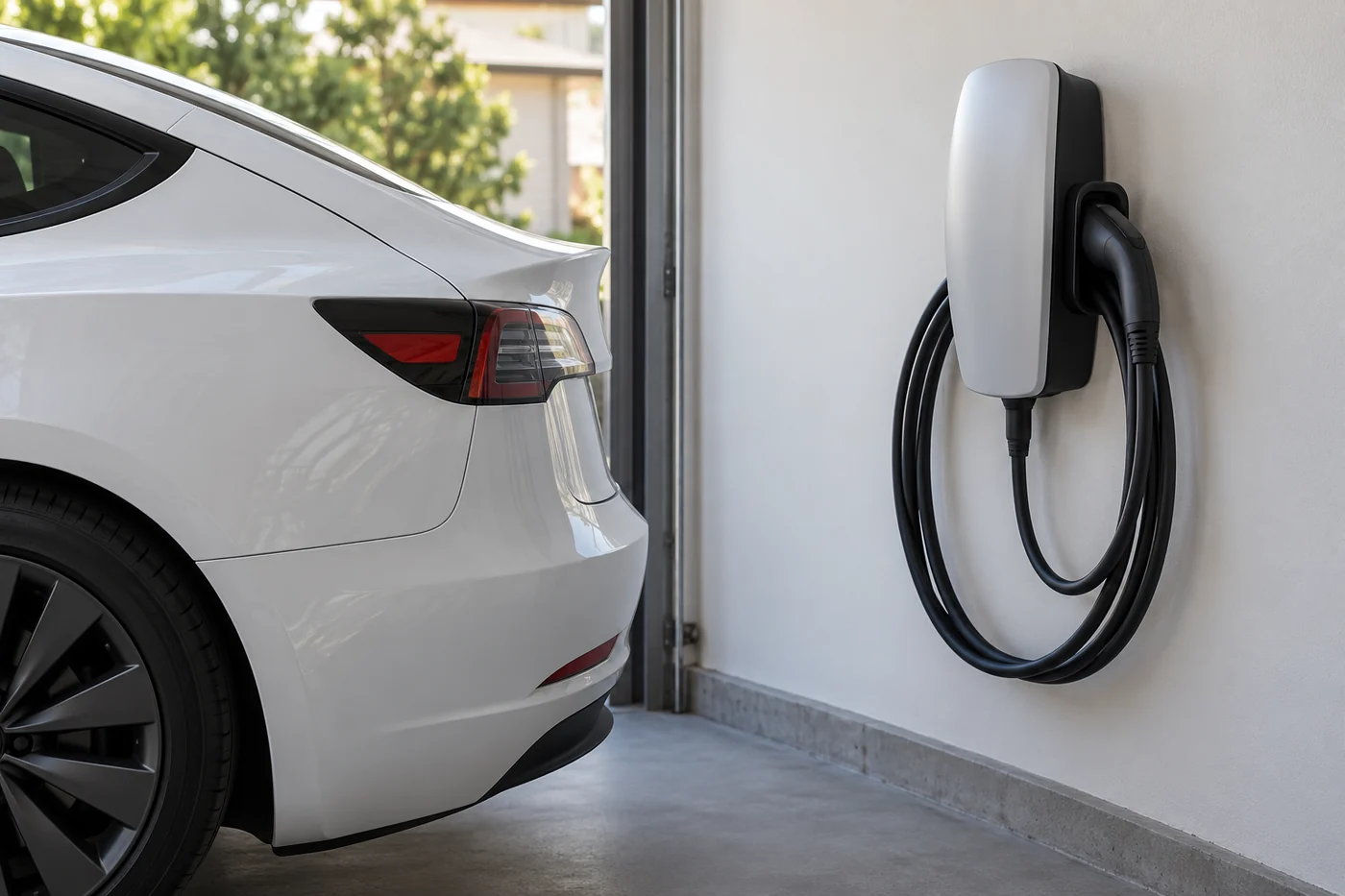
- Only the home installation fails: record the charger’s lights and any message. A Wall Connector with no lights needs a power-supply check. Vehicle charging schedules and equipment access settings can also prevent a session.
- The symptom follows the car: repeated failure with suitable independent equipment makes a vehicle assessment more useful. Record which AC or DC sessions failed and which, if any, worked.
- The door or latch repeatedly misbehaves: tell the service provider whether the door opens with a normal alternative control and whether the connector seats, locks and releases.
For a Wall Connector fault, use the instructions for that exact generation and light pattern. Supply, grounding, terminal and wiring checks belong to a qualified electrician. Do not remove the unit from its wirebox or repeatedly reset a tripping circuit to continue charging.
Describe observations without combining unrelated assumptions. “Three AC chargers failed with this alert, but DC charging worked” is more useful than “the charging system is broken”. If you have only tried one charger, say so. That uncertainty helps determine the next check.

If the charging cable will not release
First use the normal stopping and unlocking controls in the vehicle’s charging instructions. Do not pull on a cable while charging is active, yank the handle or use the connector as a lever. Keep the charging operator informed if their cable remains attached.
Tesla provides an emergency manual-release procedure, but its location and operation are model-specific. Use the matching owner’s manual and its safeguards only when normal release has failed. This guide does not give one universal cable-pull procedure for Model S, 3, X and Y. If you cannot establish that charging has stopped or are uncertain about the procedure, contact Tesla or suitable assistance.
A manual release does not repair the reason the connector remained locked. If normal release repeatedly fails, retain the alert and arrange assessment. Tell a recovery provider about any attached cable before they plan loading. The vehicle is not ready to transport simply because a truck has arrived.
Prepare a useful service handover
Before booking, collect the details that distinguish a charger problem from a vehicle problem:
- Model, build year and market, especially for an imported vehicle.
- The full warning code and message, photographed when safely parked.
- Charger type, location or equipment model and the approximate session time.
- Whether the port door opens, the connector seats and locks, and normal release works.
- Which other charging equipment was tried and the result, without unsafe testing.
- Visible damage or moisture, recent repairs and any change immediately before the symptom began.
A professional can then agree the appropriate checks: confirming the reported fault, examining the connection and latch, comparing suitable equipment and reviewing relevant vehicle alerts. The findings should determine whether the issue needs equipment support, an electrical installation check or vehicle repair.
Ask for the diagnosis and proposed repair before authorising replacement parts. There is no reliable fixed repair price based only on “the port will not charge”. Parts, labour and any installation work depend on the identified fault and vehicle. Do not assume an aftermarket seal, a software reset or a new latch is the answer before assessment.
Common charging-port questions
Does a red port light mean the charge port must be replaced?
No. Read the full alert and the equipment’s status. A failed session can involve the charger, power supply, connection or vehicle. The colour alone does not identify a replacement part.
Can I clean inside the port to make it charge?
Do not insert tools or apply cleaners to the contacts. If visible debris, moisture or damage prevents a safe connection, stop and follow the applicable manual or ask for assistance.
Should I keep resetting the car or charger?
Follow the specific official action for the displayed fault. Repeated resets can obscure the useful pattern and do not make damaged equipment or a recurring electrical fault safe.
Can I force open a port door that will not respond?
No. Check the normal alternative opening controls in your model’s manual. Record what does and does not work, and arrange assistance if those controls fail.
Official charging references
- Tesla Model 3 UAE troubleshooting alerts
- Model 3 charging and connector-release instructions
- Model Y charging and connector-release instructions
- Tesla UAE Wall Connector troubleshooting
Use the manual for your vehicle and equipment. The examples here do not replace a different warning shown in your car.
Updated 30 September 2026 by Tesla Repair Dubai.
Leave the next person a clear record: the alert, the equipment used and what happened. That is the starting point for a useful charging assessment.