Driver assistance and camera visibility
Tesla Driver Assistance Unavailable: Warnings and Safe Checks
Read the exact warning, keep manual control and separate visibility, calibration and feature eligibility before approving repairs.
If Tesla driver assistance becomes unavailable, maintain manual control and follow the displayed instruction. Do not wait for an unavailable feature to steer, slow or protect the car. Keep your attention on the road, use mirrors and shoulder checks, and read the full message once safely parked. Unavailability can reflect operating limits, restricted camera visibility, incomplete calibration or a fault. It does not, by itself, prove a camera needs replacement.
This guide uses the UAE Model 3 and Model Y manuals, including their earlier production versions. Model S, Model X and imported vehicles need the manual matching their own build and market. Feature names, hardware, displays and software can differ.
Keep manual control when assistance becomes unavailable
Lane Assist is a support feature, and Tesla warns that it cannot detect every lane departure, adjacent vehicle or potential collision. Continue to steer the car yourself. Do not deliberately cross a marking, remove your hands or provoke an emergency intervention to check whether it works.
A message about driver assistance and an actual steering problem need different responses. If steering feels abnormal, the car pulls unexpectedly or another warning instructs you to stop, stop safely and seek assistance. Do not assume a camera-visibility message explains every symptom.
When parked, preserve the exact wording and identifier if shown. Note whether the concern was an unavailable feature, a vibration, a brief corrective movement or an unexpected sustained steering change. Those descriptions help identify what needs assessment.
Use the full warning to choose the response
The words on the touchscreen matter more than a general description such as “Autopilot not working”. Once safely parked, record the complete message, its identifier if shown, the affected feature and any separate steering, braking or stop warning. Check the matching alert in your vehicle’s manual; wording can vary by model and software.
| Warning or concern | What to do next |
|---|---|
| Takeover request or assistance ending | Take control immediately as instructed. Do not wait for assistance to return or try to reproduce the event. |
| Driver-attention prompt or usage restriction | Respond to the monitoring instruction and drive manually when restricted. Do not bypass monitoring or assume a camera replacement will remove an attention restriction. |
| Restricted camera visibility | While parked, check only accessible viewing surfaces using the matching cleaning instructions. Record whether the warning persists; do not remove a camera enclosure. |
| Incomplete calibration | Follow the model-specific instructions and ask for assessment if completion does not occur as specified. Repeated resets are not a diagnosis. |
| An option absent from the vehicle menu | Check the vehicle’s purchased package, hardware, market and software eligibility with Tesla. A missing or unreleased option does not prove camera failure. |
The current UAE Model 3 Autosteer instructions distinguish takeover and driver-attention messages. Tesla’s UAE feature availability also separates enabled features from upcoming ones. These references do not replace the alert instructions for your own car.
Match the feature to your Tesla model
Lane Departure Avoidance can warn about leaving a lane and, with the appropriate setting, provide corrective steering. Emergency Lane Departure Avoidance addresses specified potential collision situations. Neither should be mistaken for continuous lane centring through Autosteer.
Identify the specific Tesla driver-assistance feature involved. A Lane Assist warning, unavailable Autosteer and missing visualisations describe different concerns. Preserve the exact message so the workshop knows which behaviour to assess.
Check the available Lane Departure Avoidance setting while parked. The current UAE Model 3 and Model Y manuals describe Off, Warning and Assist options. Record the selected option and whether the indicator was being used when the event occurred. Normal Lane Departure Avoidance does not warn or intervene for an indicated lane change. Emergency avoidance has different conditions.
The 2017–2023 Model 3 manual notes that vehicles built from approximately October 2022 may show different Lane Assist visualisations, or not show the described coloured proximity lines while moving. The earlier Model Y manual also describes a visualisation change when Tesla Vision Park Assist is enabled. Missing graphics alone do not establish hardware failure.
Have the model, production information and current software checked against the vehicle’s own manual. Do not assume all Teslas have the same radar, ultrasonic sensors, camera count or blind-spot indicators.
Distinguish expected limitations from a repeating fault
The operating range belongs to a particular feature. The current UAE Model 3 and Model Y manuals describe these two different ranges on roads with clearly visible markings. They are operating conditions, not speeds to reach while testing a suspected fault.
| Feature in the cited manuals | Described operating range |
|---|---|
| Steering intervention when drifting towards an adjacent detected object | 48–140 km/h on major roads with clearly visible lane markings. |
| Lane Departure Avoidance | 64–145 km/h on roads with clearly visible lane markings. |
Emergency Lane Departure Avoidance has separate activation conditions. Use the matching manual for that function, rather than applying the ordinary lane-departure range to every emergency intervention.
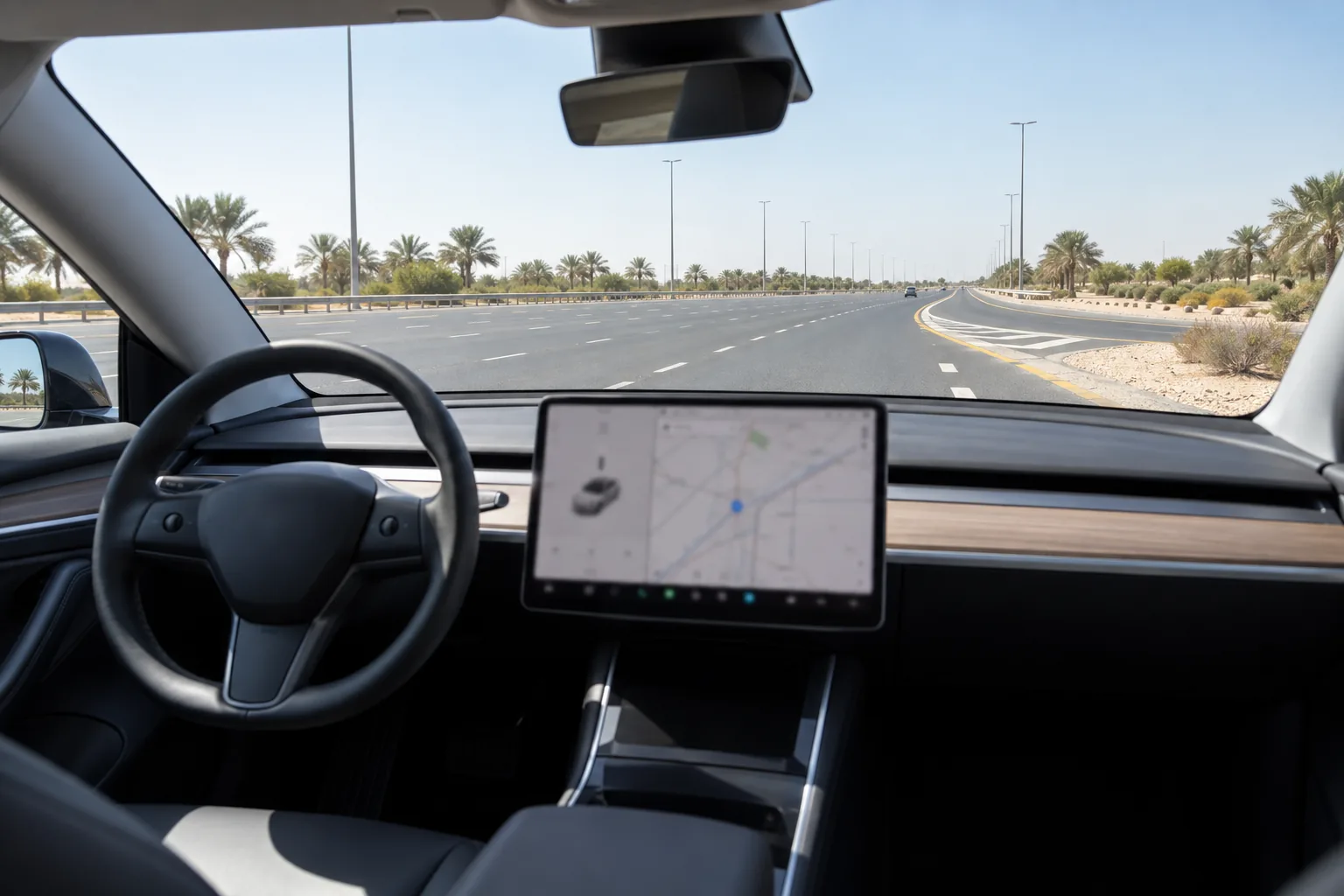
- Road markings: Worn lines, old markings, construction changes and merging lanes can make detection less reliable.
- Visibility: Glare, strong shadows, rain or an obstructed view can affect performance.
- Camera view: Dirt, condensation, stickers or damage can restrict what the cameras see.
- Vehicle state: Settings and calibration status can affect which features are available.
These limitations can occur in the UAE, but they are not proof that the system was never designed for Dubai. Tesla also lists temperature extremes among potential limitations affecting sensors where equipped. That does not establish permanent heat damage, camera drift or a need for replacement in your car.
A warning that persists in suitable conditions, returns repeatedly or starts after glass or camera work deserves assessment. Record when it happened and what the display said. Avoid turning a single event into a definite diagnosis.
Check camera visibility with the vehicle parked
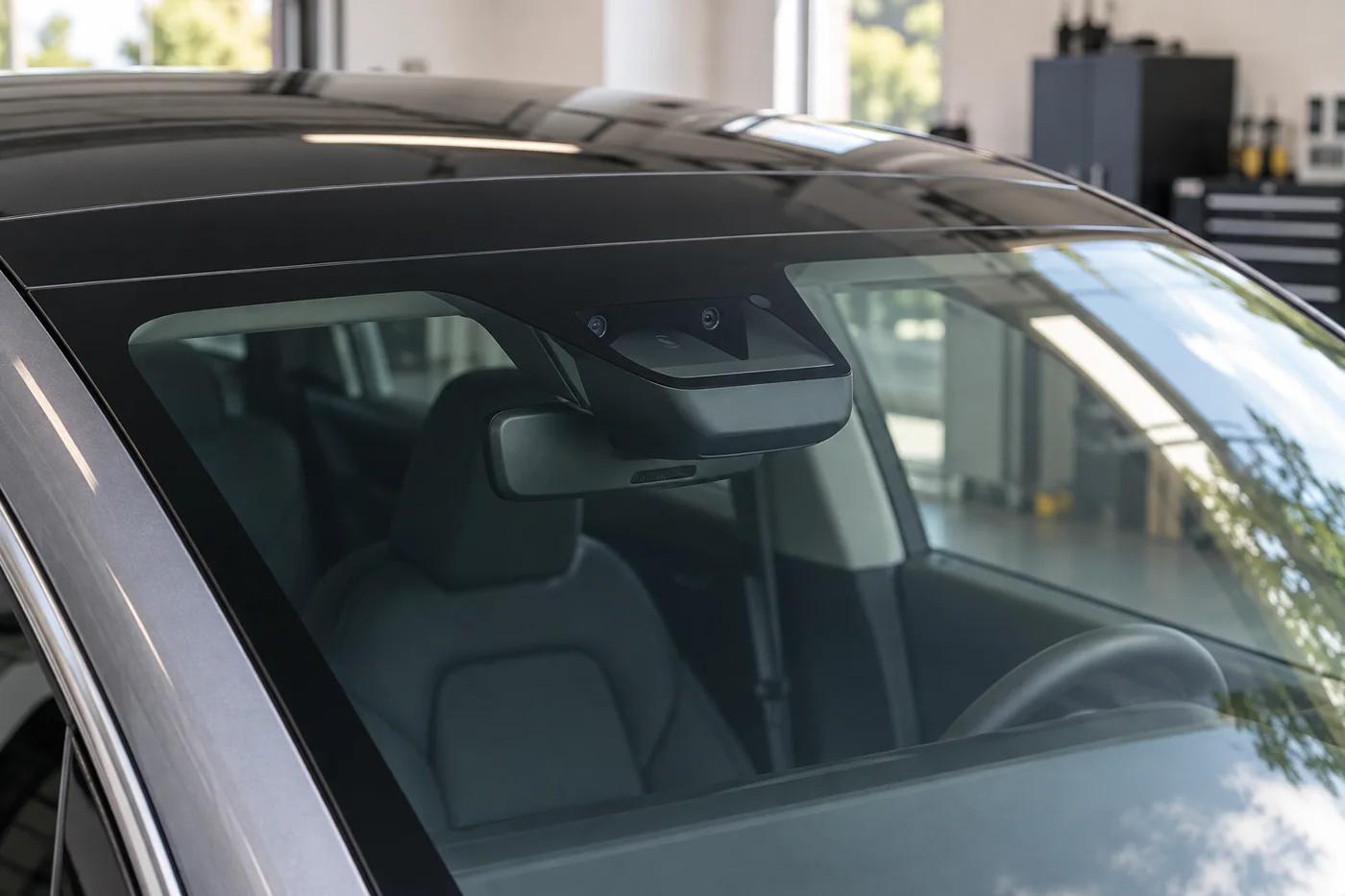
Look for visible dirt or an obstruction at the camera locations identified in your manual. The camera behind the windscreen needs a clear view through the glass. A camera-visibility warning can relate to an obscured view without identifying a damaged module.
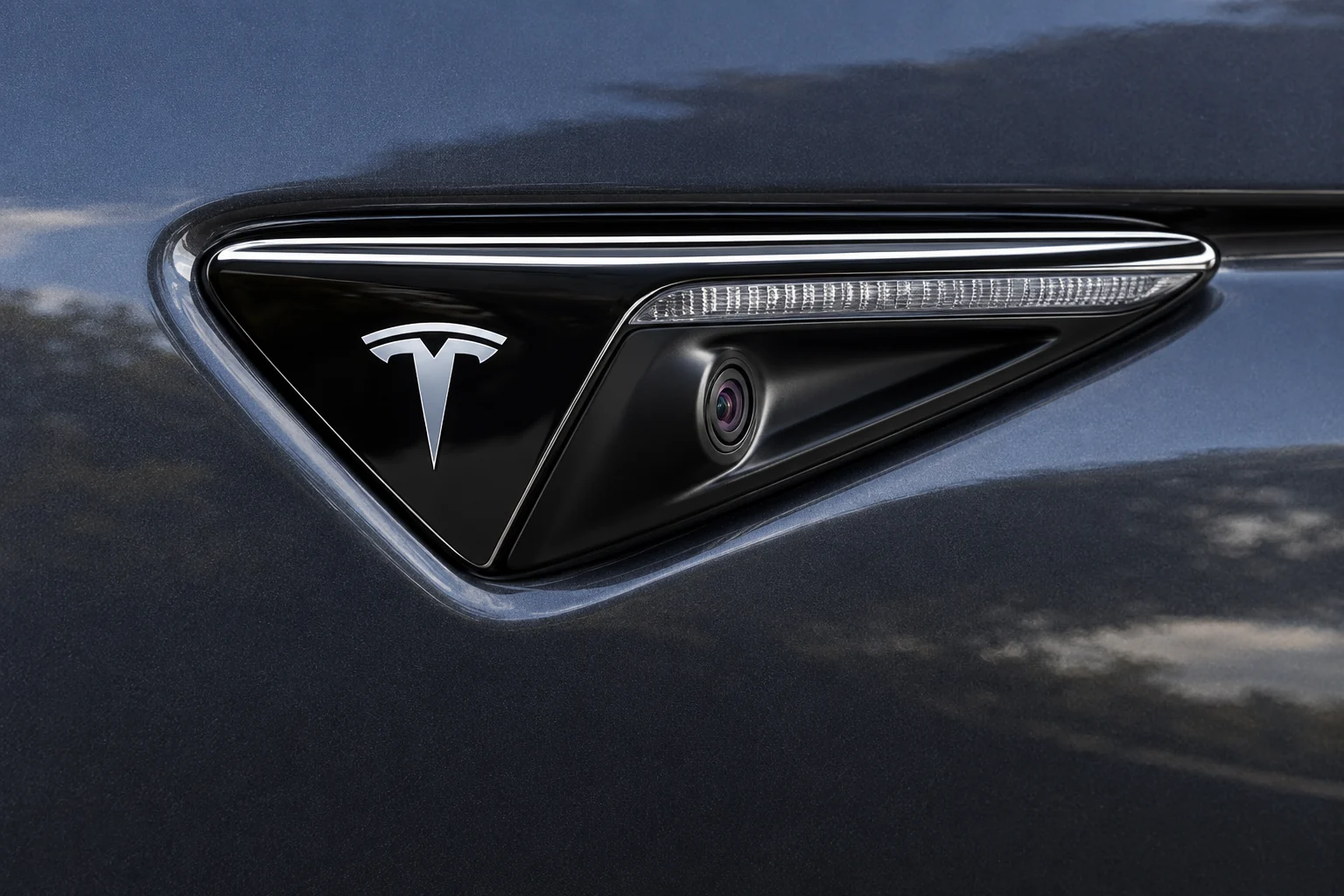
Follow the cleaning instructions for the actual surface. Current Model 3 guidance describes water and a microfiber cloth for exterior camera lenses and warns against chemical or abrasive lens cleaners. Glass has its own cleaning instructions. Do not scrape a lens or use a sharp object to remove dirt.
Cleaning accessible exterior glass is different from cleaning inside the forward-camera enclosure. Tesla directs owners to schedule service when that internal glass area needs attention. Do not remove the housing, fit an improvised shade or coat the camera’s viewing area to address glare.
Understand when camera calibration is actually required
The current Model 3 manual says camera calibration is required before some features can first be used and after some types of service repair. Moving a camera from its calibrated position, including relevant camera or windscreen replacement, can require the calibration to be cleared and repeated under the applicable procedure.
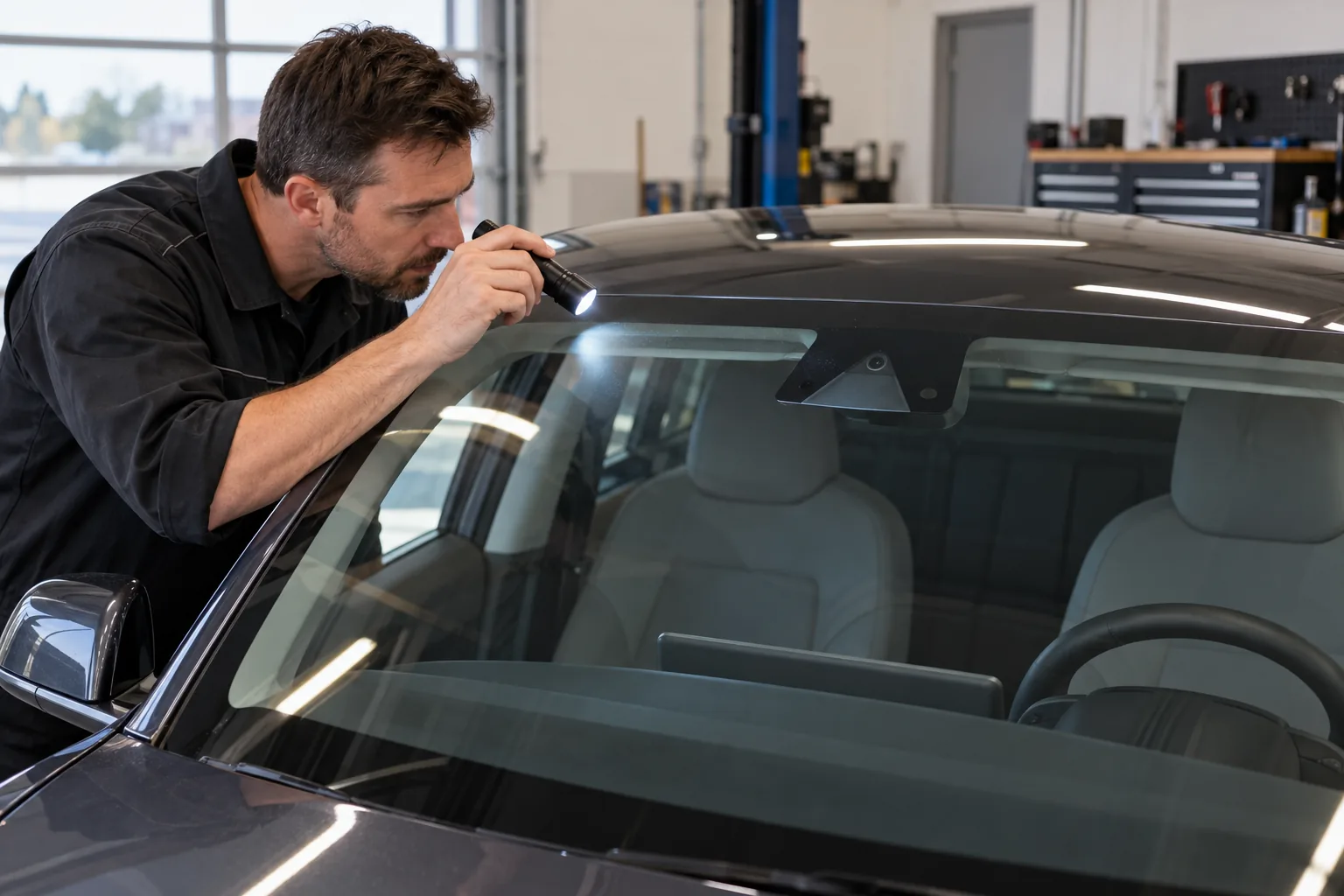
Tesla also notes that calibration may repeat after a software update in some cases. This is not an instruction to clear calibration manually after every update. Clearing it does not resolve every camera or sensor concern and can leave assistance unavailable while calibration is incomplete.
If the car shows calibration progress, follow the vehicle’s matching instructions and ask for advice if completion is not achieved as specified. Do not use repeated resets as a substitute for diagnosis, or undertake a special test drive when steering or safe control is in doubt.
Request findings before approving camera or calibration work
Provide the exact message, event conditions, selected feature setting and any recent windscreen, camera or collision work. Ask which camera or function is affected and whether visibility, mounting, connections or calibration needs checking.
- Evidence: Ask what was observed and which recorded information supports the recommendation.
- Procedure: Ask which model-specific calibration or repair instructions apply.
- Parts: If replacement is proposed, ask how compatibility was checked for your production version.
- Completion: Ask which warnings were resolved, whether required calibration completed and how the original concern was checked.
A quotation should identify the assessment, required repair and any calibration separately where relevant. There is no verified universal camera-replacement price for this guide. Confirm the affected component, labour and VAT treatment before approving work.
Common questions about Lane Assist warning messages
Does Lane Assist unavailability mean normal steering has failed?
The message identifies an assistance concern, not a complete diagnosis of steering. Read all warnings together. Actual loss of control, abnormal steering or an instruction to stop requires immediate safe action and assistance.
Should I recalibrate after every Tesla software update?
No blanket reset rule applies. Tesla notes that calibration may repeat after an update in some cases. Use the instructions for the vehicle and the actual warning, and have unresolved concerns assessed.
Will cleaning the cameras fix every warning?
Cleaning can restore a view restricted by accessible dirt, but it cannot establish that mounting, electrical connections, calibration or hardware is sound. Follow the correct cleaning instructions and request service for persistent warnings.
Why does the feature sometimes give no warning?
It has operating conditions and detection limitations, and ordinary Lane Departure Avoidance responds differently when the indicator is used. It must never replace attentive steering, mirrors and shoulder checks.
Official Tesla references for these owner checks
- Current UAE Model 3 Lane Assist guidance
- 2017–2023 Model 3 Lane Assist and visualisation differences
- Current UAE Model Y Lane Assist guidance
- 2020–2024 Model Y Lane Assist guidance
- Model 3 camera visibility and calibration instructions
- Model 3 camera and glass cleaning guidance
Checked on 1 October 2026. Use the current manual for your vehicle’s production version, software and market.